


.jpg)


WisdomAI handles conversational analytics well for cross-source enterprise data. But you may have outgrown what it currently offers when it comes to data-reliant aspects such as warehouse-native governance, answer-level explainability, or time-to-value.
If you've already evaluated WisdomAI and want to compare it against the field, you're in the right place.
In this guide, we'll break down the top WisdomAI competitors and compare their features, costs, and key differences to help you find the right match.
TL;DR - Top 9 WisdomAI Competitors
Here's a quick snapshot of the WisdomAI competitors we evaluate in detail below:
What Is WisdomAI and What Does It Offer?
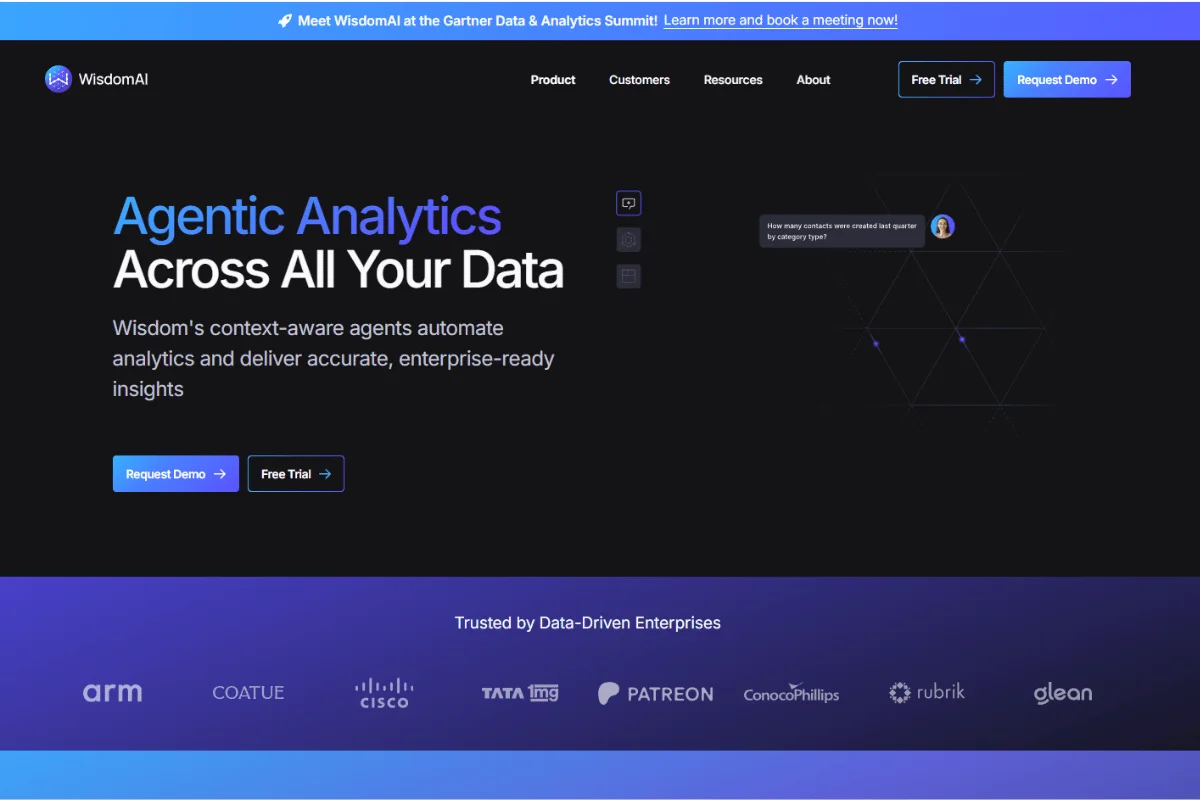
WisdomAI is an agentic analytics platform that lets your team ask questions in natural language across structured, unstructured, and semi-structured data.
It also offers proactive alerts through its Adaptive Context Engine (ACE), which monitors your data and flags anomalies. The platform's federated architecture lets you query across distributed data systems without moving data into a single warehouse.
The platform also launched autonomous agentic workflows that can execute multi-step analyses and trigger actions based on predefined playbooks.
Why Businesses Look for WisdomAI Alternatives
Here are the most common reasons your team might explore alternatives to WisdomAI:
- Limited Enterprise Governance Track Record: WisdomAI is relatively new to the market, which means your enterprise-grade requirements, such as audit trails, row-level security, and regulatory compliance, may still be developing on the platform.
- Warehouse-Specific Depth: WisdomAI can query across multiple sources through its federated architecture. However, it doesn't deeply optimize for any single warehouse. You may want a tool with deeper native ties to a specific warehouse, such as Databricks or BigQuery, to ensure native query optimization and built-in governance features.
- Explainability Gaps: WisdomAI doesn't break down every answer into plain-language metrics or cite full data lineage, as some alternatives do. When your business users can't trace exactly how a platform arrived at an answer, they can’t trust it. You need a tool that shows its full reasoning.
- Faster Time to Value: WisdomAI's Adaptive Context Engine learns your business definitions over time, but it doesn't auto-learn from your existing query history on day 1. Depending on your data maturity, you might prefer a platform that auto-learns your business context immediately rather than one that requires weeks of manual setup.
Key Criteria for Evaluating WisdomAI Competitors
Before you compare platforms, you'll want to anchor your search around the following priorities that define your daily experience:
- Trust and Explainability: Check if your business users can see how the platform generated each answer. The idea is to have a tool that can cite data sources and show full lineage to build confidence across your entire team.
- Speed to Value: How long will your data team spend on setup before business users ask their first question? The best tools deliver answers on day 1.
- Warehouse Compatibility: Your platform must connect to your cloud warehouse, whether that's Redshift, BigQuery, Snowflake, Databricks, or another service.
- Depth of Analysis: Simple dashboards handle easy questions. You need a tool that tackles the multi-step, complex queries your team asks every day.
- Governance and Security: The tool must support row-level security, audit trails, and role-based access to protect your data as your team scales.
9 Best WisdomAI Competitors
Now that you know what to evaluate, here's how the 9 platforms measure up across the above criteria:
1. Zenlytic
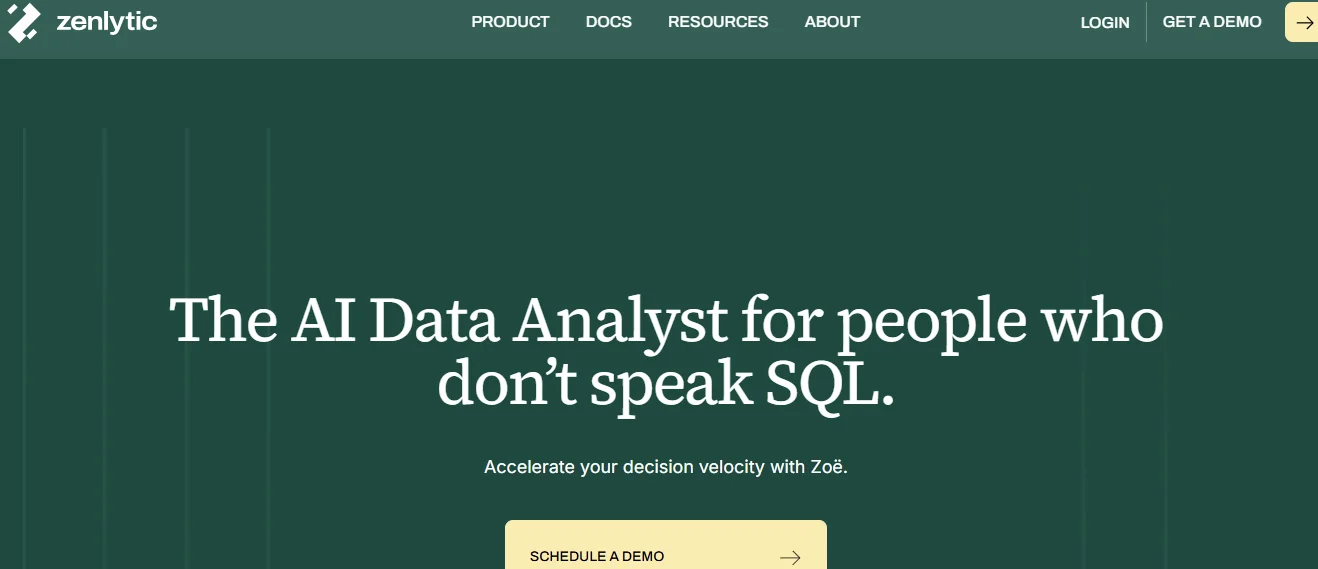
Zenlytic is an analytics agent platform that lets every person in your company ask complex data questions in plain English and receive trusted answers in seconds.
The platform's AI data analyst, Zoë, handles everything, from ad hoc requests to multi-step analyses, that dashboard-based tools struggle to manage.
Zenlytic connects to BigQuery, Redshift, Snowflake, and Databricks, and your team can start asking questions from day 1 of connecting a warehouse.
Here's what makes Zenlytic ideal for your team:
- Consistent Answers Through Memories: Every user across your company gets the same trusted answer because Zenlytic's Memories feature locks in your metric definitions.
- Governed Flexibility With the Clarity Engine: The platform’s Clarity Engine combines the depth of SQL with the transparency of a governed semantic model, which lets your team verify and trust every answer.
- Full Data Lineage via Citations: Every answer Zoë generates includes Citations that trace the exact data sources, tables, and calculations behind each result.
- Instant Context Through Patterns: Zoë gains full business context on day 1 because Patterns indexes your real query history, dashboards, SQL queries, and dbt models.
- Automated Reports With Artifacts: Your team generates presentations, data apps, and financial models through Artifacts, all of which stay connected to your warehouse and refresh on schedule.
Your marketing team can ask Zoë questions, like why acquisition costs spiked in paid social while organic held steady, and get a cited answer in seconds. Operations leads can trace defect patterns across suppliers and production lines without filing a ticket to the data team.
Zenlytic is ideal for mid-market and enterprise teams in retail, technology, and manufacturing that need depth on the questions dashboards were never built to answer.
Companies that adopt Zenlytic today are early movers in the analytics agent category. Explore what Zoë can do for your analytics team.
2. ThoughtSpot
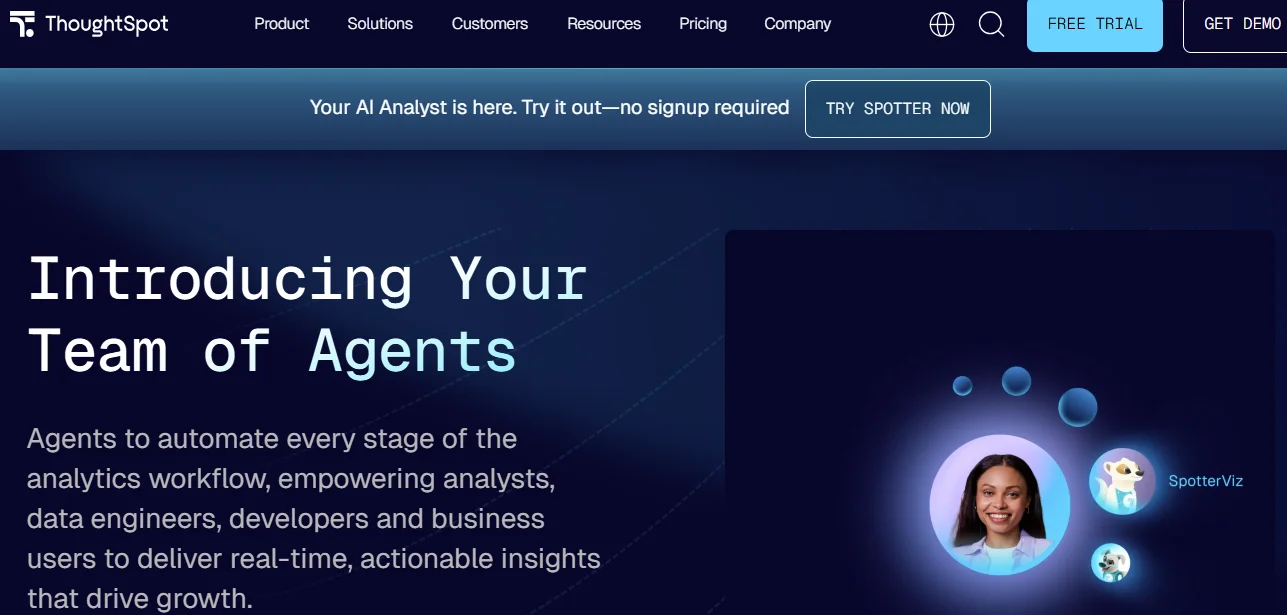
ThoughtSpot is a search-driven analytics platform where your team types questions into a search bar to get charts and answers. The key features include SpotIQ for automated insights, embedded analytics for customer-facing products, and Liveboards for shared dashboards.
The search-based approach handles quick lookups, though many teams evaluating ThoughtSpot competitors find they need more depth for complex, multi-step questions.
Your sales operations team can use ThoughtSpot to pull pipeline velocity by region, and your marketing leads can filter campaign ROI by audience segment.
Embedded analytics also make it an option for SaaS companies that want to surface dashboards inside their own products for customers.
ThoughtSpot’s pricing starts at $25/user/month for Essentials, with Pro plans from $50/user/month and custom Enterprise quotes.
3. Tableau
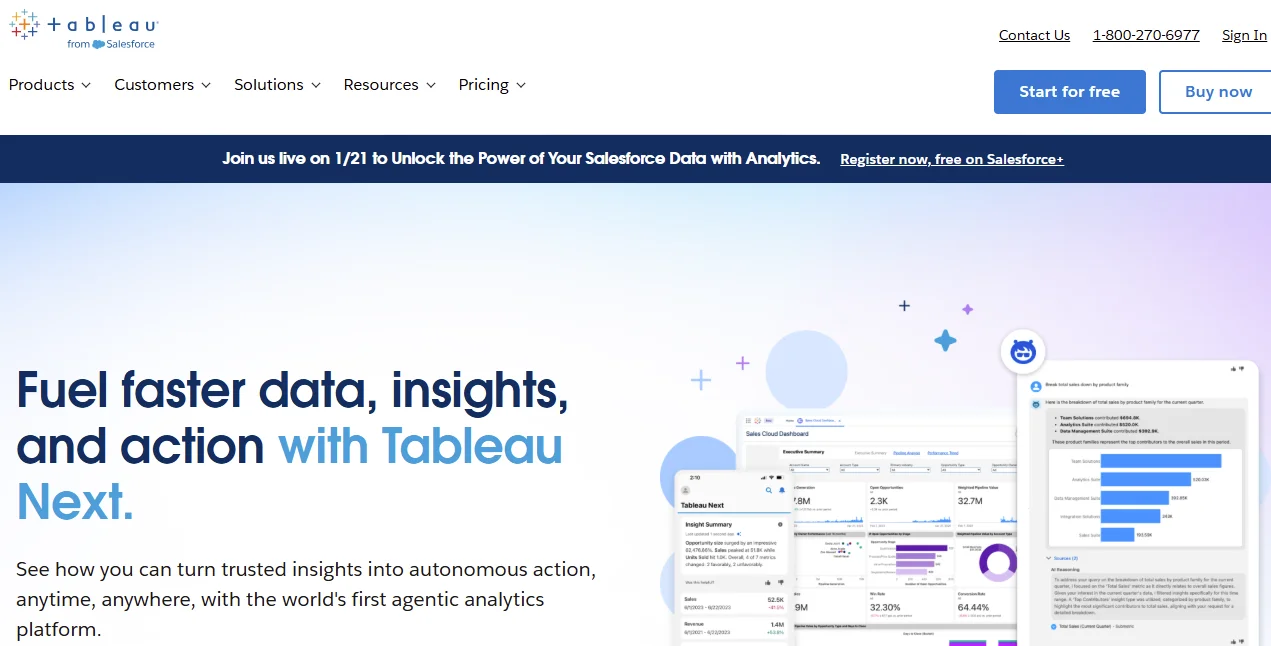
Tableau is a visual analytics platform from Salesforce that gives your analysts drag-and-drop tools to build interactive dashboards.
The capabilities include Tableau Pulse for AI-driven metric summaries, broad data connectors, and Tableau Cloud for sharing.
Your analyst-heavy teams will extract the most value from Tableau. Business users who lack SQL skills will likely depend on the data team for any questions outside a pre-built dashboard.
Tableau helps when your analysts need to build polished, presentation-ready visuals for board decks.
You can use Tableau when your team wants to create interactive dashboards that connect to dozens of data sources. If you have dedicated analyst teams in finance, supply chain, or marketing reporting, you can extract high value from Tableau.
Tableau Standard costs $15/user/month, while Tableau Enterprise costs $35/user/month. A free Desktop version is also available.
4. Power BI
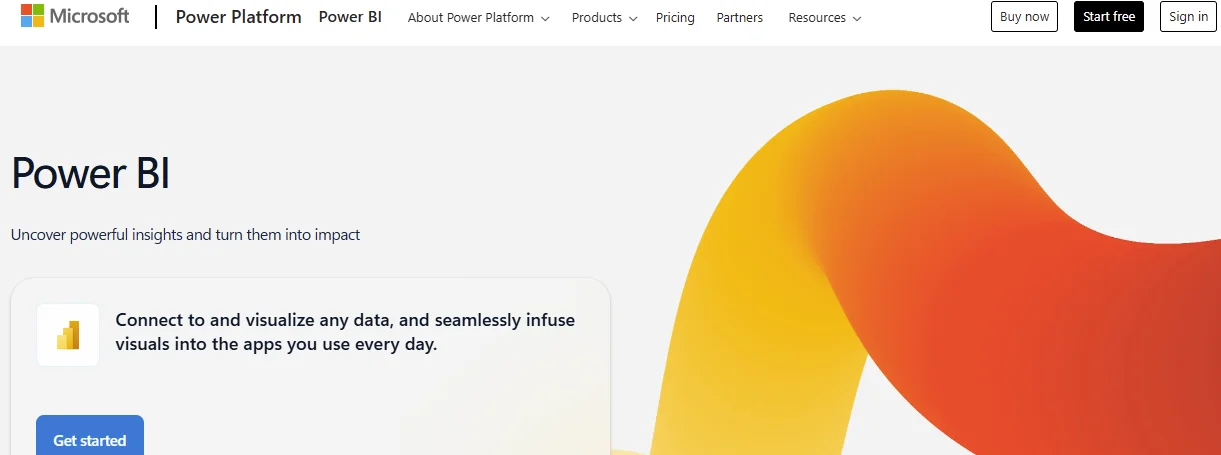
Power BI is an analytics and dashboard tool by Microsoft, which tightly integrates with Excel, Azure, and the broader Microsoft tech stack. With Power BI, you can access DAX formulas for custom calculations, Copilot AI for natural language queries, and a free Desktop version.
If your organization already runs on Microsoft, Power BI fits into your existing stack. You get a conversational layer through Microsoft Copilot, but if your business users need to ask complex, multi-step questions, they'll likely still depend on an analyst.
You can use Power BI when your finance team already models forecasts in Excel and needs a visual layer on top, or when your HR team wants to track headcount trends across Azure Active Directory data.
Power BI Pro costs $14/user/month. Power BI Premium costs $24/user/month. You’ll need a custom quote for Power BI Embedded.
5. Databricks Genie
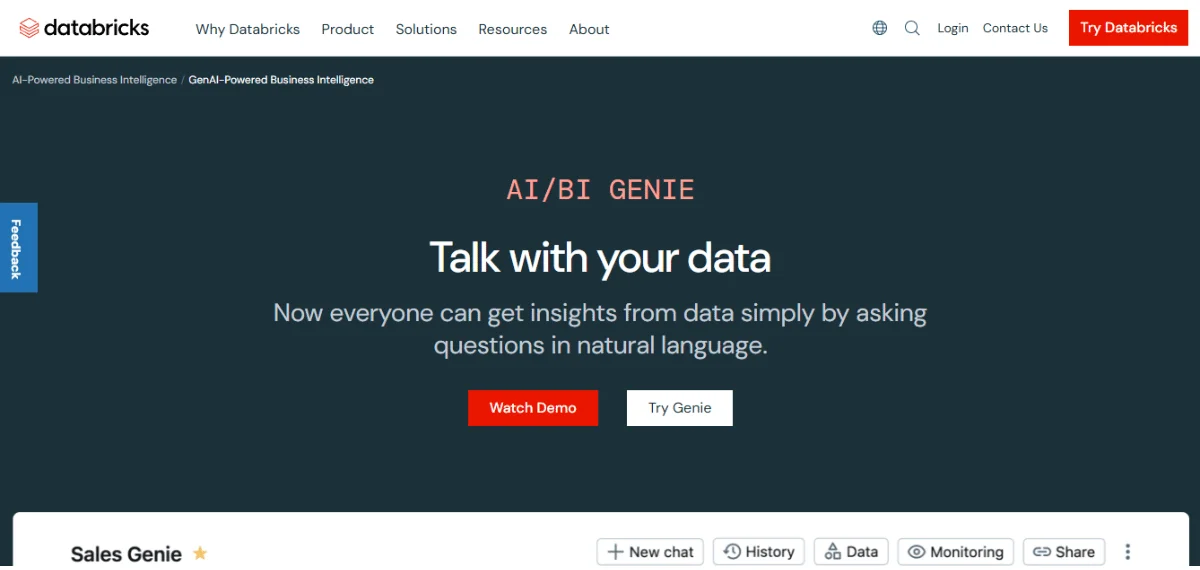
As a conversational analytics feature, Databricks Genie works inside the Databricks Lakehouse. Your team can use it to ask questions in plain language, which the tool translates into SQL against data governed by the Unity Catalog.
Genie serves data engineering teams that already run ML workloads on Databricks and want to layer conversational analytics on top of experiment results or pipeline metrics.
Manufacturing companies with IoT telemetry data in the Lakehouse can query sensor readings and production KPIs through plain English.
The platform’s pricing follows Databricks' consumption-based DBU model, which can help keep your costs lower if you have only a small query volume.
DBU rates start at $0.15/DBU for data engineering, $0.22/DBU for data processing, and $0.40/DBU for enterprise interactive workloads.
6. Looker
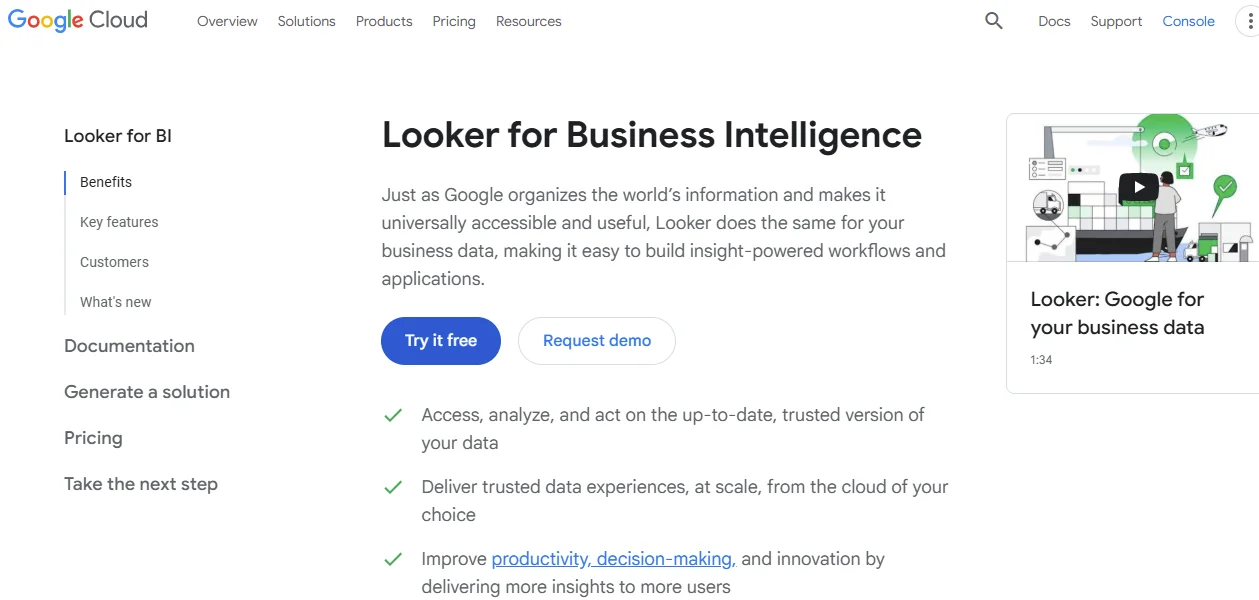
Google Cloud's governed analytics platform, Looker, is built on LookML for code-first semantic modeling. You can expect features such as Git-based version control, embedded analytics, and a robust API layer for various integrations.
Your data team will spend significant time writing and maintaining LookML code before business users can ask questions. For anything outside a pre-built report, most business users will still need help from a data analyst.
You can use Looker if your teams need version-controlled analytics that can be reproduced if needed. You can also use the tool if you run a SaaS company that embeds governed dashboards into its products, or if you have a finance team that requires strict audit trails on every metric definition.
Looker’s pricing requires a custom quote from Google Cloud.
7. Snowflake Intelligence
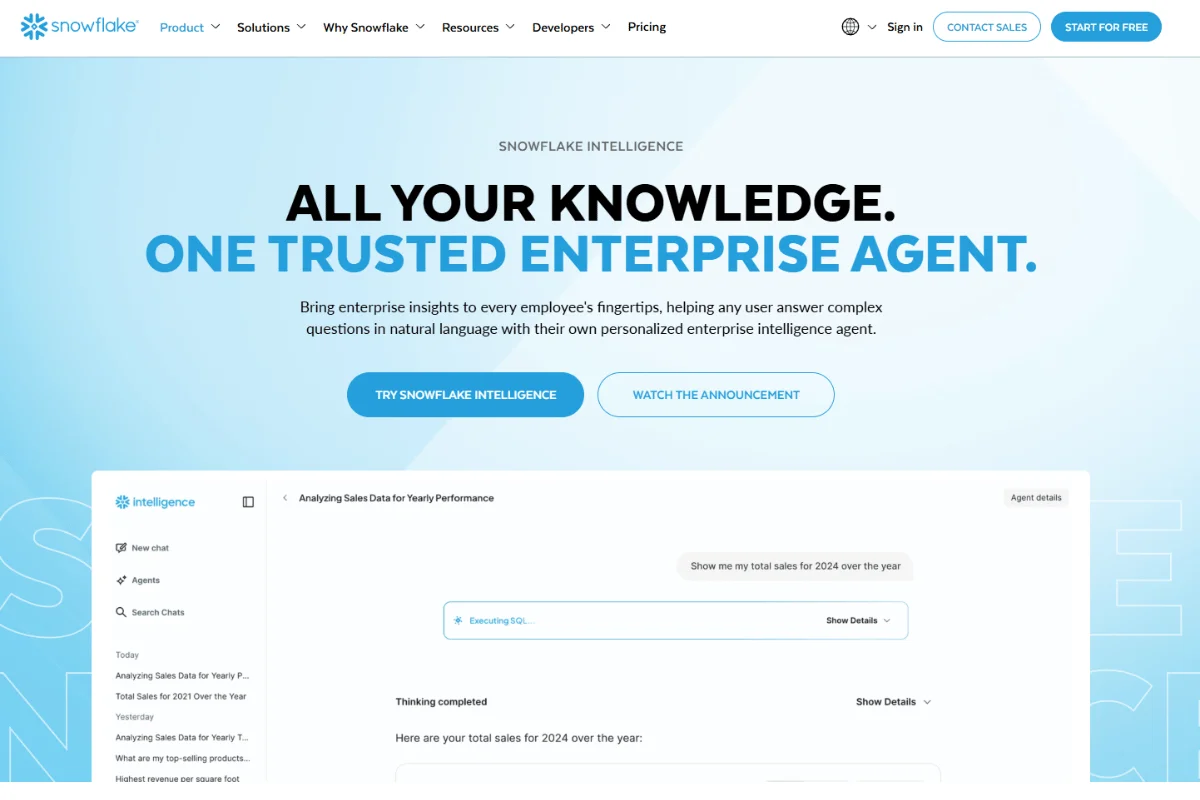
Snowflake Intelligence is an agentic AI layer embedded in the Snowflake Data Cloud. You can use the tool to query data conversationally through the Cortex Analyst and have the platform deliver governed answers based on semantic views.
The tool is helpful when all your data lives in Snowflake. If you have multi-warehouse environments, you may want to evaluate cross-platform alternatives. You can find a more detailed comparison in our Snowflake Intelligence review.
Snowflake Intelligence also helps if your teams want to query governed data conversationally without leaving the Snowflake environment.
Typical use cases for Snowflake Intelligence include finance teams running ad hoc revenue breakdowns and operations leads pulling supply chain metrics, all within the same security perimeter.
Charges are based on your Snowflake consumption, and Cortex features carry separate token-based charges on top of your existing warehouse costs.
8. Amazon QuickSight
Amazon QuickSight is AWS's cloud-native analytics service that uses QuickSight Q to deliver dashboards, embedded visuals, and answers to natural language queries.
QuickSight helps if your teams already run their infrastructure on AWS and want a low-cost, integrated analytics layer for big data analytics at scale.
Your product team can embed QuickSight dashboards directly into customer-facing applications on AWS, and your internal teams can layer low-cost reporting on top of S3 and Redshift data.
The serverless architecture means you won't manage infrastructure, which is practical if your user count fluctuates month to month.
Reader plans start at $3/user/month. Author plans cost $24/user/month.
9. SAP Analytics Cloud
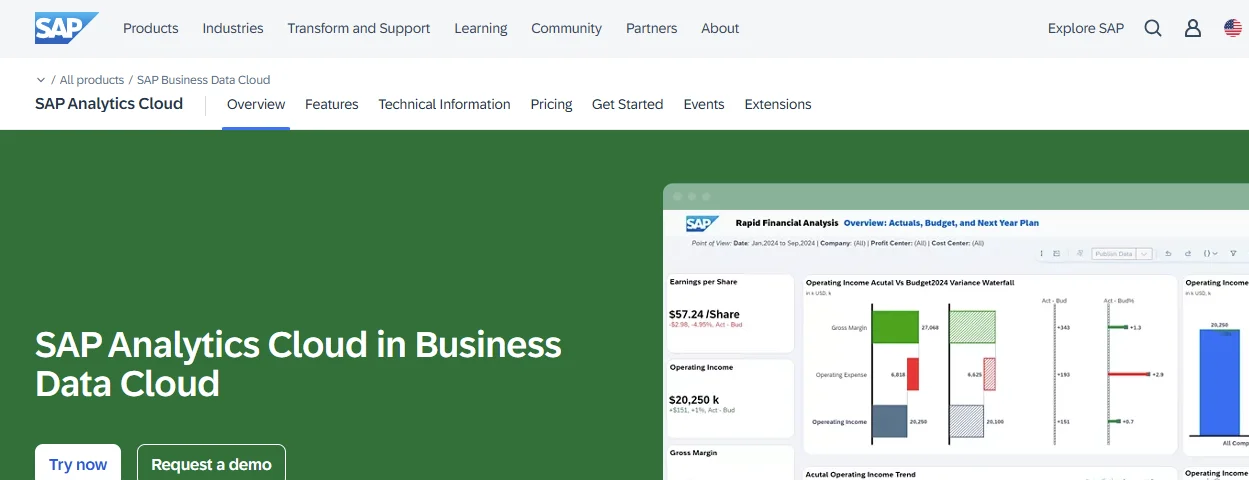
SAP Analytics Cloud (SAC) is SAP's combined analytics, planning, and predictive platform.
The features include SAC Planning for financial forecasts, predictive scenarios, and deep integration with SAP S/4HANA.
SAC helps enterprises with heavy SAP investments. Your non-SAP data sources may require extra configuration to integrate, and the learning curve for business users can be steep.
The platform is built for enterprises that need financial planning and predictive scenarios directly tied to their SAP ERP data.
For example, your FP&A team can run rolling forecasts in S/4HANA, and your procurement leads can model supplier risk across SAP-connected systems.
Pricing requires a custom quote.
How to Choose the Right WisdomAI Alternative for Your Business
Your team's size, data maturity, and the types of questions you need the tool to answer will determine the alternative you'll choose instead of WisdomAI.
You can use the framework below to help you choose wisely:
- Have a Specific Warehouse First: Ensure the platform you choose has deep, native support for your data warehouse, because a shallow connector will limit what your team can do.
- Define Your Primary Users: Consider whether your main users are data engineers, analysts, or business leads. The right tool depends on who will ask the questions every day.
- Set Your Trust Bar: If your team needs full data lineage and answers with explanations that show the tool's logic, go for a tool that cites its reasoning.
- Test the Platform Using Real, Internal Business Questions: Ask each platform your hardest, highest-value questions during the trial or demo. You'll want to see which one delivers answers your team members can trust and use.
Common Mistakes When Choosing a WisdomAI Competitor
When choosing the best tool, it’s also essential to know where you may face difficulties.
Here are the most common pitfalls to avoid when choosing the WisdomAI alternative:
- Choosing a Brand Name Over a Stack Match: You go with the vendor everyone talks about at conferences, but the platform doesn't fit your warehouse or your team's daily questions. Compare each tool against your own data and your main toughest queries from last quarter.
- Trusting the Vendor's Setup Timeline: Most platforms promise your organization will start querying your data in days. But ultimately, your engineers may have to spend weeks configuring it before business users see any value. You should request a reference customer with a similar warehouse and team size to confirm the real timeline.
- Accepting Answers You Can't Trace: You get a number back in seconds, but nobody on your team can tell where it came from. Ask each vendor to walk your business users through exactly how the tool arrived at a specific result.
- Overlooking Total Cost: Most per-user prices look clean, but warehouse compute charges can increase rapidly when search-heavy tools have to answer questions at scale. You must add up all costs to avoid losing money on an expensive tool your organization can't maintain.

Frequently Asked Questions (FAQs)
Here are answers to the most common questions about WisdomAI competitors:
Do WisdomAI Competitors Offer Free Trials?
Most platforms on this list offer a trial or guided product walkthrough. Power BI has a free Desktop version, and Amazon QuickSight provides a 30-day trial.
Zenlytic runs a guided session with your team's own data connected, which gives you a more accurate picture of what daily use feels like. Request a trial with your real warehouse for the best comparison.
Can I Migrate My Data From WisdomAI to Another Platform?
Your data stays in your cloud warehouse. WisdomAI and most analytics platforms query your warehouse directly, which means you won't need to export raw data.
You'll primarily migrate saved dashboards, metric definitions, and custom configurations, and each new platform will reconnect to that same warehouse.
Are WisdomAI Alternatives GDPR Compliant?
Compliance depends on the platform and your deployment model. Enterprise tools like Zenlytic, Snowflake Intelligence, and SAP Analytics Cloud are GDPR-compliant and support GDPR-compliant configurations.
You should confirm each vendor's data processing agreements, encryption standards, and data residency options to ensure they meet your specific requirements.
How Often Do WisdomAI Competitors Release Updates?
The frequency at which new updates come out varies by vendor. Cloud-native platforms like Zenlytic, ThoughtSpot, and Snowflake Intelligence push updates continuously.
Legacy tools like SAP Analytics Cloud may follow slower release cycles.
You must ask each vendor about their roadmap cadence and how updates reach your environment.
Conclusion
Every platform on this list handles analytics differently, and your decision to use a certain WisdomAI competitor will come down to 3 crucial factors: trust, depth, and speed-to-value.
At Zenlytic, we approach analytics holistically from these 3 angles. Your team should be able to trust every answer, and every person in the company should be able to ask complex questions in plain English.
Zoë's explainability, the Clarity Engine's governed flexibility, and Artifacts that automate the last mile of analytics give your team the confidence to move from data to action.
