

Every time your dashboards show yesterday’s numbers, your teams make decisions on data that’s already getting stale. Most business users never even ask their real questions because the wait feels too long and the tools feel too complex.
Many companies often lose ground in the gap between data-heavy questions and trusted answers. The good news is that you can close the gap with AI-powered analytics tools that turn live warehouse data into trusted answers in seconds.
Below, we’ll rank the best AI analytics tools for real-time data and help you match the right platform to your use case and performance needs.
TL;DR: 10 Best AI Analytics Tools for Real-Time Data
Here’s a snapshot of the top real-time data analytics software we evaluate in greater detail below.
| Tool | Best For | Key Strengths |
|---|---|---|
| Zenlytic | Enterprise and mid-market teams that need trusted, deep answers | Cited data lineage, Memories for consistent answers, Git-like version control depth, Natural language for complex queries, Branded artifacts |
| ThoughtSpot | Teams that want search-driven data exploration | Natural language search, Embedded analytics, Fast visual builds |
| Tableau | Analyst-heavy teams with strong SQL skills | Advanced visual analytics, Broad connector library, Active user community |
| Power BI | Teams already in the Microsoft ecosystem | Deep Microsoft 365 ties, Affordable per-user seats, Strong dashboards |
| Databricks AI/BI Genie | Data teams fully committed to Databricks | Unity Catalog governance, Lakehouse-native queries, Spark-scale processing |
| Looker | Technical teams that prefer code-first analytics | LookML semantic layer, Git version control, Strong governance model |
| SAP Analytics Cloud | SAP-heavy enterprises | Native SAP connectors, Predictive planning, Augmented analytics |
| Amazon QuickSight | AWS-native teams | Pay-per-session model, SPICE engine, ML-powered anomaly alerts |
| Snowflake Intelligence | Teams fully committed to Snowflake | Cortex AI functions, Governed data sharing, Native warehouse access |
| Wisdom AI | Teams with data across multiple warehouses | Multi-warehouse support, Lightweight setup, Natural language queries |
Each platform approaches real-time analytics differently. We’ll cover what matters most for your choice in the upcoming sections.
The Importance of Real-Time Data in Decision Cycles

Your analytics are only as valuable as the speed at which your team acts on them. A 3-day wait for a data pull, while competitors react in seconds, puts you at a clear disadvantage.
Here’s why real-time data is important when it comes to making different decisions:
- Faster Revenue Signals: You can catch shifts in customer behavior as they emerge, which lets you adjust campaigns and price points before a small dip turns into a major loss.
- Lower Risk Exposure: Your operations team identifies supply chain issues or quality defects the moment they occur and makes the right changes, without waiting for the weekly report.
- Greater Team Confidence: When your numbers update in real time, your people trust the data and act on it without hesitation.
Key Benefits of AI Analytics Tools for Real-Time Data
AI-driven real-time big data analytics tools go beyond raw query speed. They reshape how every team interacts with live data across the full decision cycle.
You can experience the following benefits with the right tool:
- Proactive Anomaly Alerts: AI flags unusual patterns in live data, from supply chain delays to fraud signals, before they escalate into costly problems.
- Instant Root Cause Analysis: You can trace the “why” behind the change in a given metric the moment it appears, without filing a ticket or waiting days for a data analyst.
- Lower Total Cost of Insight: You get measurable savings when you can detect risks early, have your analysts spend fewer hours per question, and pivot campaigns faster.
- Compounding Context: Every question your team asks trains the platform to deliver more relevant, more consistent answers over time.
- Cross-Functional Team Autonomy: Marketing, product, operations, and finance teams pull answers from the same governed data, without funneling every request through a single analytics team.
Essential Criteria to Select Real-Time AI Analytics Tools
You need more than a feature checklist to evaluate a real-time data analysis software platform. The following benchmarks help you separate tools that deliver from tools that just do good demos.
- Query Speed and Live Data Access: Your tool should query live warehouse data with zero forced delays. The software should also support both streaming and direct feeds.
- Natural Language Depth: You should be able to ask follow-ups in plain English, drill into root causes, and handle multi-step analysis without SQL.
- Governance and Access Controls: The tool must implement row- and column-level controls to ensure your teams see only the data they’re authorized to see.
- Trust and Full Data Lineage: Every answer needs clear citations that trace back to exact tables, columns, and the math behind each result.
- Day-One Usability for Non-Technical Teams: If your business users can’t adopt the tool within the first day or week, they’ll end up back in the analyst queue.
5 Essential Use Cases of AI Data Analytics Software
The best software for real-time big data analytics maps directly to measurable business needs. The 5 use cases below drive the most value across enterprise and mid-market teams.
1. Supply Chain and Quality Signals: You can discover supplier delays, assembly line anomalies, and raw material defects the moment they happen, which cuts your teams’ response time from days to minutes.
2. Revenue and Sales Pipeline Oversight: Deal velocity, win rates, and close rates across segments update in real time, which means fewer surprises at the end of the quarter for your sales operations team.
3. Campaign and Channel Performance: Your marketing team can see which channels drive qualified leads and dedicate their budget toward the winners, all while campaigns run in real time.
4. Product Usage and Feature Trends: Your product managers can explore how users engage with features and link product adoption rates to renewal metrics using live warehouse data feeds.
5. Fraud and Risk Alerts: You can get alerts the moment unusual patterns appear, giving your finance and compliance teams a head start on every issue.
From campaign analytics to fraud detection, these use cases show why real-time access alone is only half the equation. The depth and trust of the answers you get matter just as much.
Top 10 Real-Time Data Analytics Tools
Each platform below earns its spot through a different mix of speed, trust, and usability. We’ll discuss the tools in order based on how they perform across these criteria.
1. Zenlytic
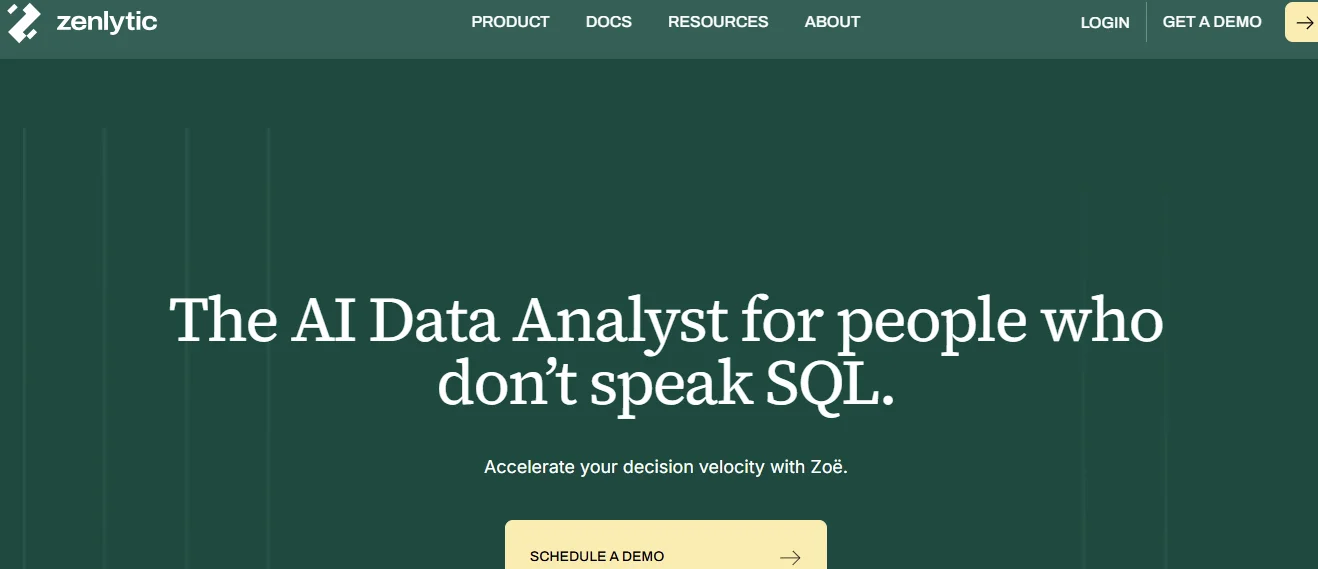
Zenlytic is an analytics agent platform that delivers trusted, real-time answers from your data.
At its core sits Zoë, an AI data analyst that lets anyone in your company ask questions in plain English and receive accurate, cited answers in seconds.
Zoë handles the complex, high-impact queries that dashboards can’t address, from channel-level campaign attribution to root-cause analysis across plants.
Zenlytic eliminates 99% of hallucinations through the Clarity Engine, which maps every query to a governed semantic layer and helps your data team fill gaps dynamically when needed.
Companies that adopt Zenlytic today are early movers in the shift from legacy BI to AI-native business intelligence, where conversational agents replace static dashboards and data access scales to both data and non-data teams.
After using Zenlytic, Amanda Yan, the Head of Data at J.Crew and Madewell, has this to say:
“We’ve tried every AI-powered platform out there. But our self-serve users still asked us to verify everything. Zenlytic solves this. Once our end users understand the results, they trust the results.”
Here’s what makes Zenlytic’s platform stand apart:
- Plain English Queries for Every Team: Zoë interprets natural language questions, composes advanced SQL, and delivers charts, tables, and reports. Your business users get answers in seconds without writing a single line of code.
- Governance and Access Controls: Zoë applies row-level and column-level permissions to every query automatically. Your teams only see data they’re authorized to access, which means you get the depth of an AI analyst with the governance standards of a traditional BI tool.
- Review and Promote Analytics Logic: Your data team reviews Zoë’s queries and promotes useful dynamic fields into the semantic layer. The Clarity Admin panel ensures nothing scales to the broader team without approval.
- Complete Data Lineage for Every Answer: Through Citations, every metric links back to exact data sources, tables, and the math behind the result. Your team verifies any answer with a quick scan of clear data lineage.
- Consistent Definitions Across Every User Through Memories: You only have to define a metric once, and Zoë locks it in for every user and every future query. The entire company uses the same trusted definitions every time.
- Day-One Context From Your Query History through Patterns: Zenlytic indexes 150+ real analytical patterns from existing BI dashboards, SQL queries, and dbt models. Metric logic, join paths, and business conventions are already in place from the first session.
Book a custom demo today to see Zoë in action at your organization.
2. ThoughtSpot
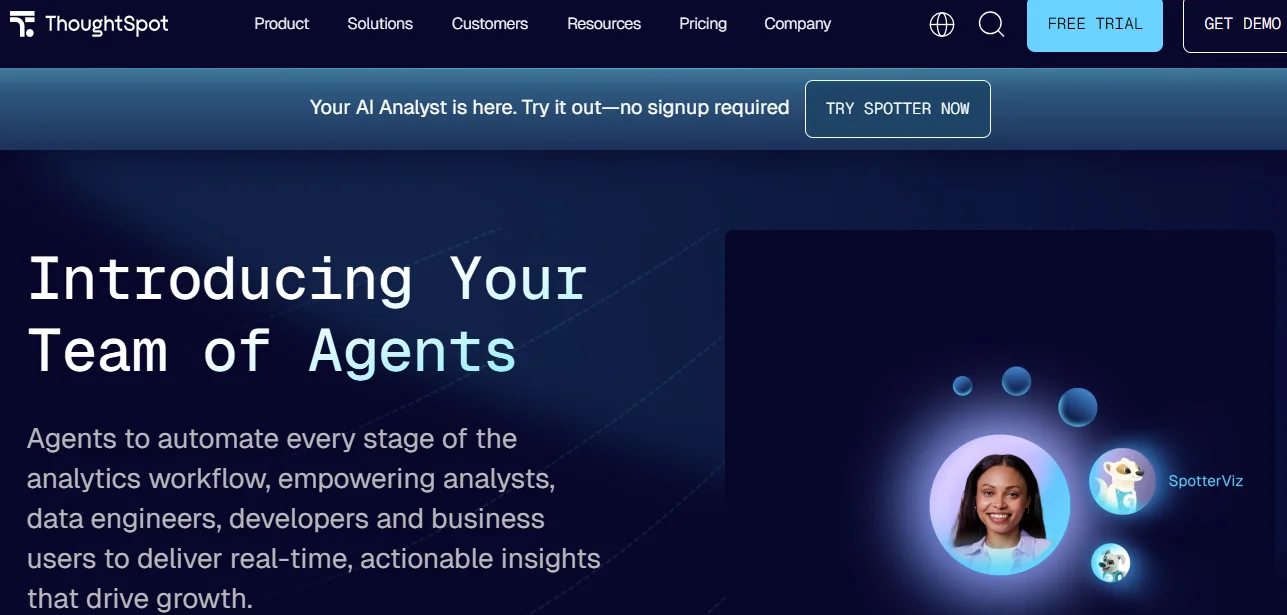
ThoughtSpot gives your team a search bar for data. You can type a natural language query, and the platform returns charts and answers without SQL, which makes quick lookups fast and intuitive. Its embedded analytics also make it a solid choice for customer-facing products.
Search accuracy depends on extensive upfront synonym management and data modeling, and complex multi-step queries often require analyst help. Teams that grow beyond search-based BI often explore data analytics agent platforms for deeper, more trusted answers.
3. Tableau
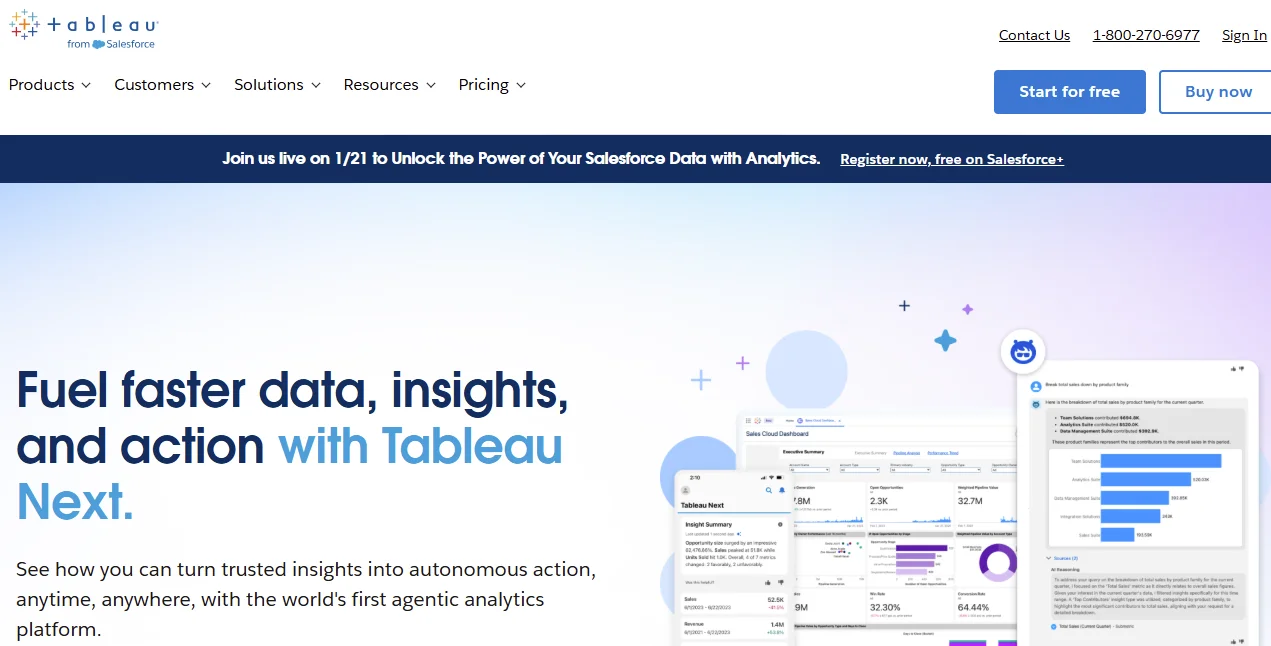
Tableau is one of the most recognized visual analytics platforms available. Your analysts can build interactive dashboards and connect to dozens of data sources through live connections that support real-time access.
The platform best serves analyst-heavy teams. Business users who lack SQL or dashboard-building skills tend to rely on the data team for every new question, which limits the value of true self-service.
4. Power BI
Microsoft’s Power BI integrates extensively with Excel, Azure, and the Microsoft 365 tech stack. Your team can access live data through DirectQuery and streaming datasets, while maintaining affordable per-seat costs even for large rollouts.
Complex analytical queries that go beyond standard dashboards often require DAX expertise or analyst support, which mirrors the broader self-service BI vs traditional BI divide that many companies face today.
5. Databricks AI/BI Genie
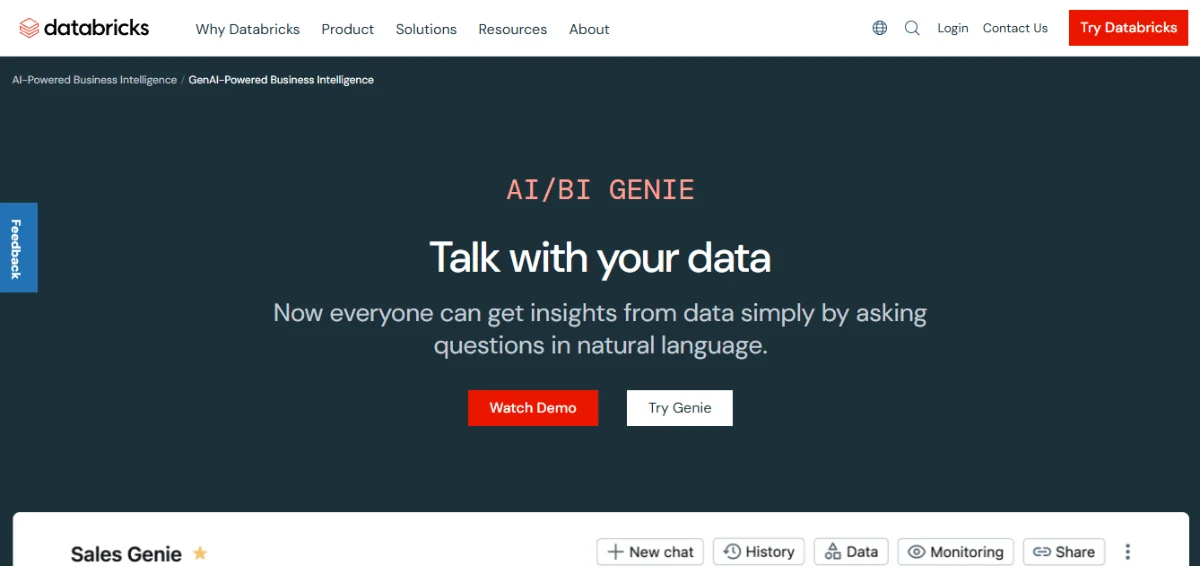
Databricks AI/BI Genie sits inside the Databricks Lakehouse as an AI assistant. Your team can ask questions against Unity Catalog-governed data in natural language, and the platform handles queries at a massive scale through Spark.
Genie works best when your entire stack already lives on Databricks. If you use multiple warehouses, you’ll want to evaluate cross-warehouse compatibility before you commit.
6. Looker
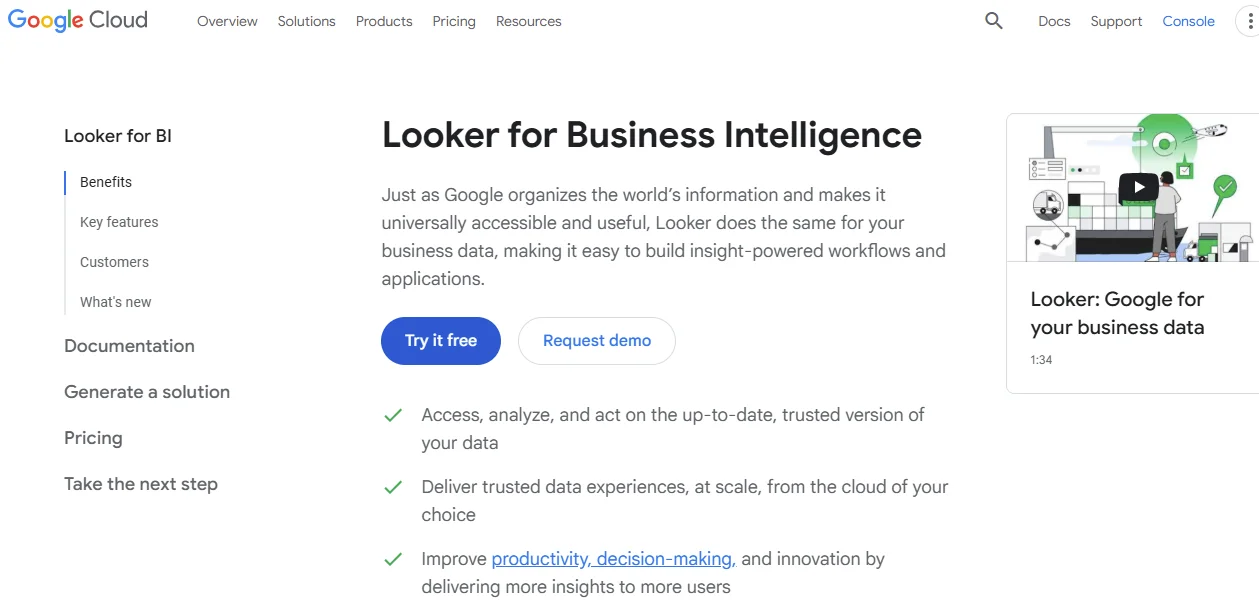
Looker gives your team a governed analytics layer built on LookML, a code-first semantic model from Google Cloud. Because of its embedded analytics and Git-based version control, the platform is a strong fit for teams that value governance and reproducibility.
LookML authoring requires dedicated data team effort upfront. You can unlock most of its value in the modeling phase. Business users typically need analyst support for anything beyond pre-built data exploration.
7. SAP Analytics Cloud
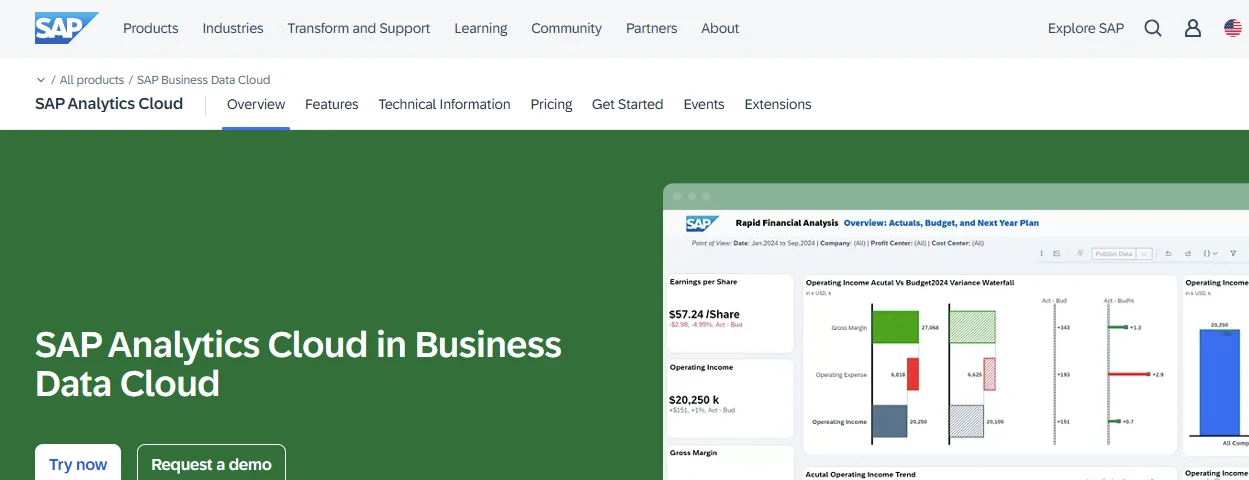
SAP Analytics Cloud combines analytics, planning, and predictive capabilities in a single platform, with native feeds from SAP S/4HANA and SAP BW/4HANA for real-time data access.
The platform’s augmented analytics features add predictive planning on top of your ERP data.
The solution best serves SAP-heavy enterprises. Teams that work outside the SAP ecosystem may need additional connectors and knowledge of SAP-specific configurations.
8. Amazon QuickSight

Amazon QuickSight is an AWS serverless business intelligence service that uses the SPICE in-memory engine to handle fast queries across large datasets. The platform’s pay-per-session system helps keep your data costs low even at scale.
You also get a predictive layer through the platform’s ML-powered anomaly alerts.
QuickSight works best when your stack lives entirely on AWS. If you need deep conversational AI or cross-warehouse support, you might want to consider another solution.
9. Snowflake Intelligence
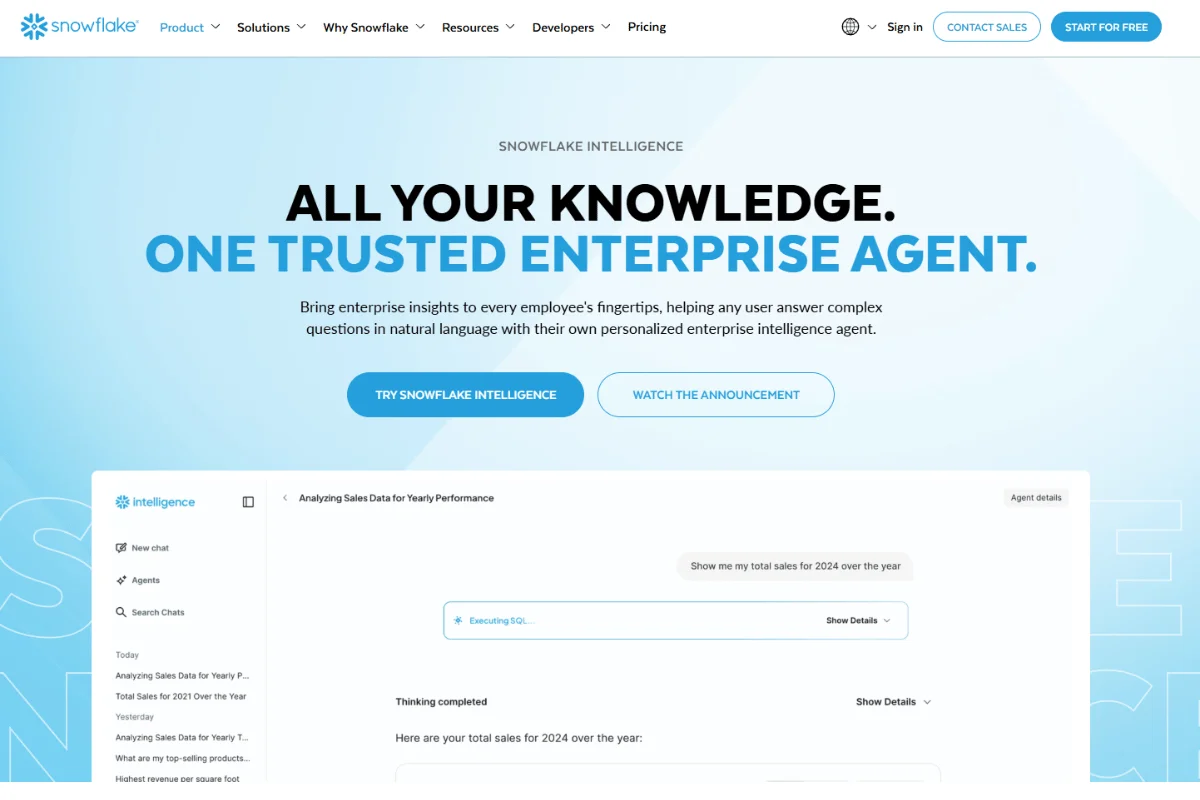
Snowflake Intelligence is Snowflake’s built-in AI analytics layer, with Cortex AI functions that let your team run ML and LLM queries directly inside the Snowflake warehouse.
As with Databricks, you get better results when all your data lives in Snowflake. Teams with data across multiple warehouses can explore cross-platform analytics agents to improve the experience.
10. Wisdom AI
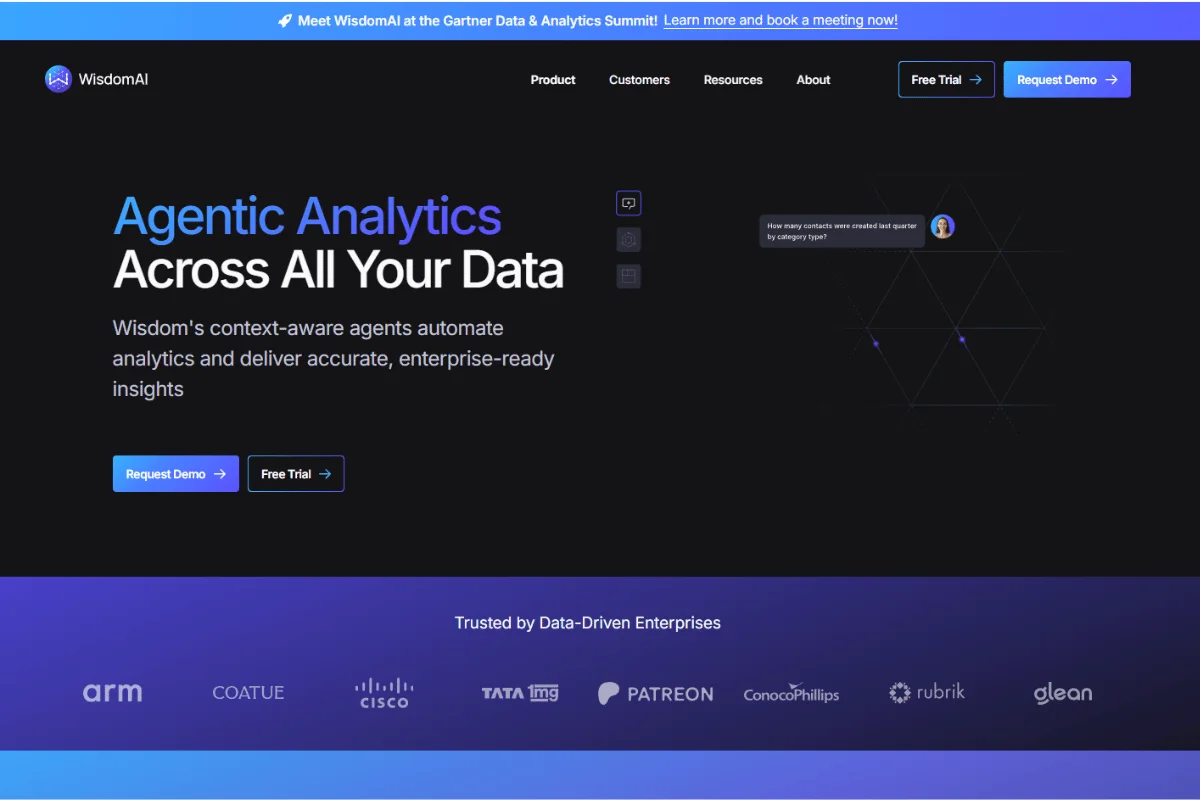
Wisdom AI is a conversational analytics platform that connects to multiple warehouses and lets your team ask questions in natural language.
The setup is lightweight, and the tool works well for teams that need a fast, flexible layer on top of existing infrastructure.
Since the platform is newer to the market, organizations that require deep governance or enterprise-scale audit trails will want to confirm whether its features match their needs.
Factors to Consider Before You Implement an AI Data Analytics Tool
Before you commit to a platform, let’s check out some practical factors you need to prioritize.
- Data Warehouse Readiness: You need an active cloud warehouse, such as BigQuery, Snowflake, Databricks, or Redshift, before any of these tools deliver value. If you’re still on legacy infrastructure, it’s best to implement a data warehouse first.
- Governance Fit: Your industry and company size shape how strict your access controls need to be. Ensure the tool supports row-level and column-level controls natively.
- Team Buy-In and Enablement: Even if you choose the best tool, it will be a waste if your business users never adopt it. Choose a real-time platform for data analytics that your non-technical teams can use from day one.
- Total Cost: Factor in the acquisition costs, setup time, maintenance, and per-user or per-query fees. Even when the acquisition price is higher, you may save more through fewer analyst hours and faster decisions.
You’ll have to weigh these factors against your team’s current reality to narrow down the options and choose the right one faster.

Frequently Asked Questions (FAQs)
Can Real-Time AI Analytics Work With Legacy Systems Without Major Overhauls?
Yes. Many real-time AI analytics platforms connect to cloud warehouses that sit on top of legacy databases. For example, you can build a pipeline from the legacy system to Snowflake or BigQuery, helping you avoid a full overhaul.
The key factor is whether your warehouse receives fresh data from all your data sources on a regular schedule.
What Are The Security Risks Associated With Real-Time AI Analytics?
The primary risks involve unauthorized data exposure and AI-generated inaccuracies.
You can mitigate these by using a platform with governance that limits who sees which data and provides full data lineage. Zenlytic, for instance, eliminates 99% of hallucinations through the Clarity Engine.
Can AI Analytics Support Cross-Functional Teams Simultaneously?
The strongest platforms serve marketing, operations, product, and finance through a single interface.
You need a tool with features that lock in consistent metric definitions and role-based controls that tailor access per user. These ensure your CMO and your supply chain lead can get trustworthy answers from the same tool.
Conclusion
As a forward-looking organization, you’ll want to leverage the best AI analytics tools for real-time data to close the gap between questions and trusted answers. Platforms like ThoughtSpot, Tableau, and Power BI serve specific use cases, but they leave the hardest, highest-value questions unanswered.
Zenlytic takes a fundamentally different approach. With Zoë’s natural language depth, the Clarity Engine’s governed flexibility, and Memories that deliver consistent answers across your entire company, you get an analytics agent built for the way modern teams make decisions.
Every minute your team spends waiting for stale answers is a minute your competitor uses to act. The shift toward AI-native analytics is already underway, and the teams that move first will gain an advantage.
Book a demo today to learn more about driving timely change with real-time data.