

Ever notice how your data team spends more time answering questions than actually analyzing data?
Or how your best product managers stopped asking for insights because waiting three days feels like too much hassle?
These scenarios can be overwhelming and frustrating, but there’s a better way.
AI data analytics agents solve such data problems by letting anyone ask questions in plain English and get trusted answers in seconds.
With these AI agents, your employees don’t need SQL skills, queuing tickets, or three-day wait times.
In this article, we’ll explain what AI data analytics agents are, real use cases across industries, the best platforms available today, and how to choose the right one for your team.
What Are Data Analytics Agents and Why They Matter
AI data analytics agents are platforms that let you query and explore data using natural language instead of relying on SQL, dashboards, or static reports.
Legacy BI tools make you wait for pre-built dashboards that answer questions based on what they have been trained on, rather than live data.
They require SQL knowledge for anything custom, and exploratory analysis means submitting tickets to overworked data teams.
The category shift from legacy BI tools to analytics agents represents a fundamental change in how organizations access data.
You ask questions conversationally as if you were speaking to a colleague.
The agent then composes the query appropriately, executes it against your data warehouse, and explains exactly how it produced each result.
Unlike chatbots that retrieve pre-written responses, analytics agents generate fresh queries against your live data warehouse every time.
With the right tool, you can:
- Eliminate Data Team Bottlenecks: Your data analysts stop spending so much time answering repetitive questions about revenue, conversion rates, and customer metrics. They focus on strategic projects instead.
- Handle Exploratory Questions Instantly: You can investigate why conversion rates dropped 16% or which suppliers correlate with defect rates without waiting days for custom analyses.
- Enable Natural Follow-Ups: Your teams can ask follow-up questions such as “Break that down by region” or “Compare this quarter to last year” without submitting new tickets.
- Empower Non-Technical Users: Domain experts can access insights without SQL knowledge or data analysis training.
- Surface Hidden Insights: Your business users or non-data specialists can finally ask the questions they previously avoided because requesting analyst time felt like too much hassle.
How Data Analytics Agents Work

Here’s a quick overview of the working mechanism that delivers these benefits:
- Natural Language Processing Understands Intent: The platforms parse your question to identify the metrics, dimensions, time periods, and filters you’re referring to. “Show me Q4 revenue by product category” gets broken into structured components that the system maps to your data model.
- Semantic Layer Ensures Uniformity in Answers: Your business definitions live in a semantic layer that prioritizes consistency over intelligence when delivering answers or calculating metrics across every query. When someone asks for “customer churn rate,” the AI applies the same formula identically to everyone. Modern platforms even build this semantic layer automatically as teams ask questions, rather than requiring months of upfront system training.
- Automated Query Composition: The best analytics agent software generates SQL that joins appropriate tables, applies correct calculations, filters based on permissions, and optimizes for performance.
- Explainable Results That Build Trust: Every result or number includes full data lineage, showing which sources, tables, fields, and business logic produced that answer.
The differences between platforms become clear in real-world applications where trustworthiness and simplified analytics matter.
Use Cases of an AI Data Analytics Agent
You can use data analysis agents for:
- Manufacturing Quality Control: Quality engineers can investigate defect patterns across multiple factories, suppliers, and production shifts in minutes instead of days. Your production managers can identify equipment performance issues before downtime costs escalate into six-figure losses.
- Revenue Operations: Sales leaders ask questions about sales performance without waiting for weekly reports. Questions like “Show me deals moving slower than average and identify common characteristics” get answered during pipeline reviews while there’s still time to intervene.
- Marketing Attribution: Data analysis agents help campaign managers understand which channels lead to paying customers. They can analyze customer acquisition costs, conversion rates, and multi-touch attribution across every touchpoint.
- Retail Operations: Merchandising teams can analyze inventory turnover, identify slow-moving SKUs, and optimize pricing strategies across regions. Store managers can investigate why specific locations underperform without waiting for corporate reports.
- Tech/SaaS Growth Analytics: Customer success teams can identify which feature usage patterns predict churn risk or expansion revenue. Growth leaders can analyze activation funnels and discover where users drop off during or after onboarding.
Even with such ideal use cases, real business value depends on choosing a platform that actually delivers trusted, explainable insights.
Not every tool branded as an analytics agent can handle the deep exploratory questions your team actually needs answered.
Here’s how the leading platforms compare for organizations serious about empowering business users with self-service analytics:
Our Favourite AI Data Analytics Agent Tools
1. Zenlytic (Zoë)
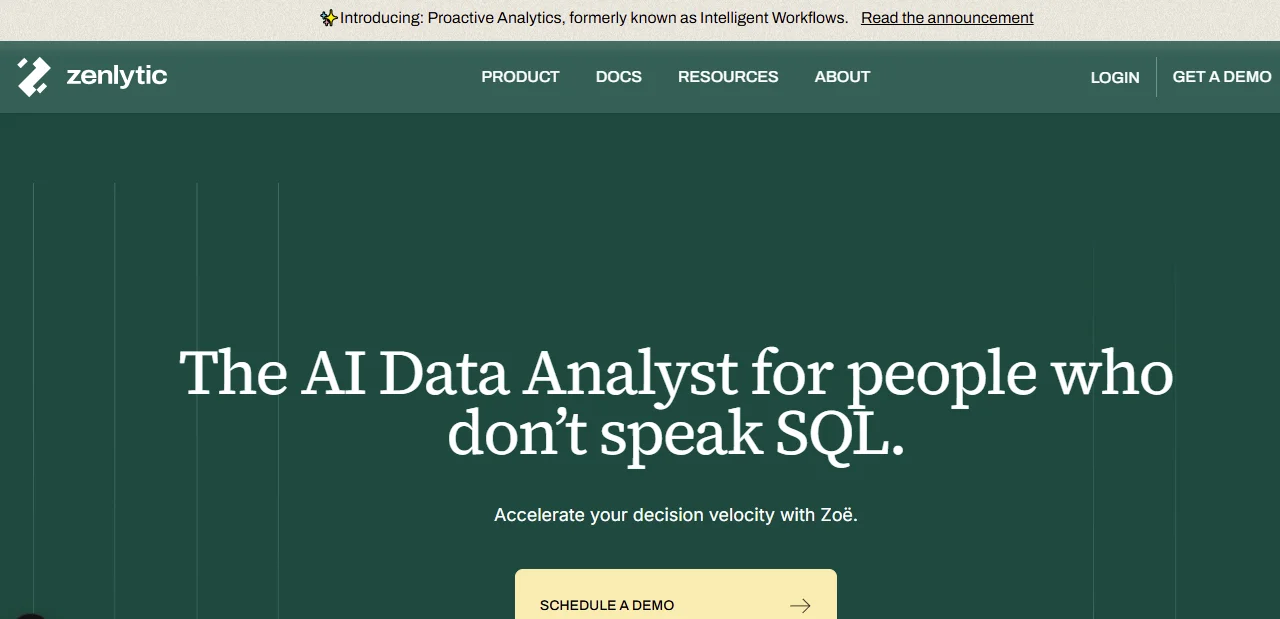
We built Zoë as an analytics agent platform from the ground up to help both data and non-data teams get trustworthy answers to data questions.
Zoë can handle complex queries like “Show me the customer segments where feature adoption predicts retention better than any other behavior.”
Here’s why our tool stands out:
- Advanced Context Management: Zoë understands your specific business definitions and data relationships. For instance, she can distinguish between “gross profit” and “net profit” in your exact context, not just keyword matching.
- Automated Semantic Layer: Through the Clarity Engine, our platform learns your metric definitions as teams ask questions. You don’t have to spend months modeling every possible calculation before users see value.
- Full Explainability: Zoë’s Citations ensures every result shows complete data lineage. You can see which business logic and data produced each figure. This explainability builds trust through transparency instead of demanding blind faith in AI outputs.
- Consistency in Answers: Zoë’s Memories enable her to automatically remember patterns and definitions from previous queries. You can ask the same question twice and get the same answer both times, instead of different, disconnected answers.
- Enterprise Governance: Users access only the data appropriate to their role in each query, without manual oversight, thereby protecting sensitive data from unauthorized access.
2. Tableau AI (Einstein Copilot)
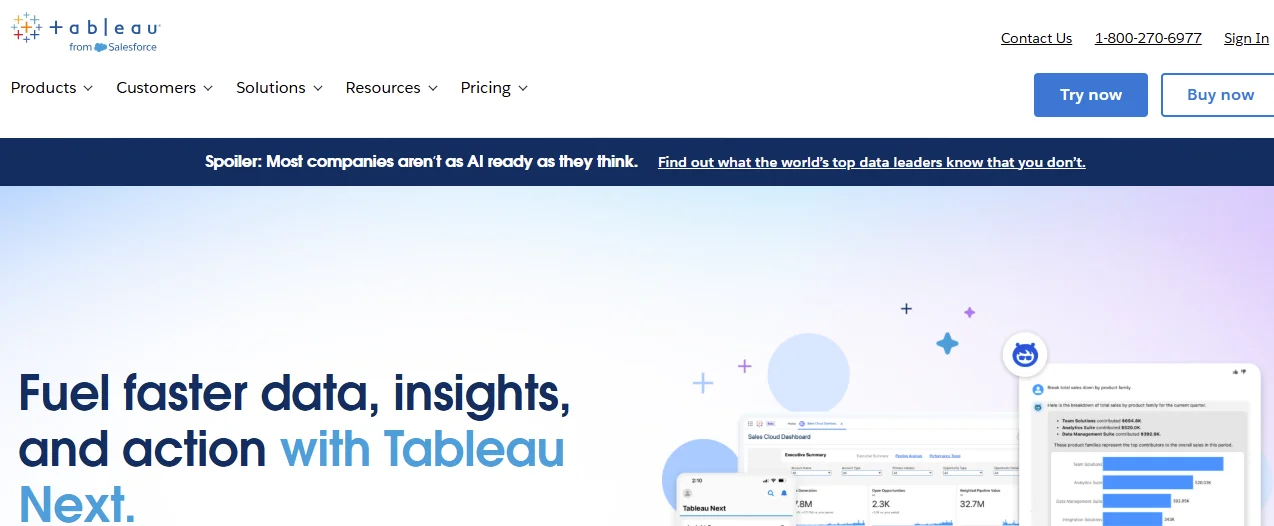
Tableau added AI capabilities to its established visualization platform through Einstein Copilot. The natural language interface lets users ask questions about data that’s already modeled in Tableau dashboards.
Teams that have already invested in Tableau can add conversational queries without migrating to new platforms, which minimizes overall costs.
While the AI understands Tableau’s data model and can generate visualizations from text prompts, it only operates within Tableau’s dashboard paradigm rather than enabling true exploratory analysis.
Users are still constrained by what’s been pre-modeled, so questions that require new data relationships or calculations hit the same bottlenecks as legacy BI tools.
3. Power BI Copilot
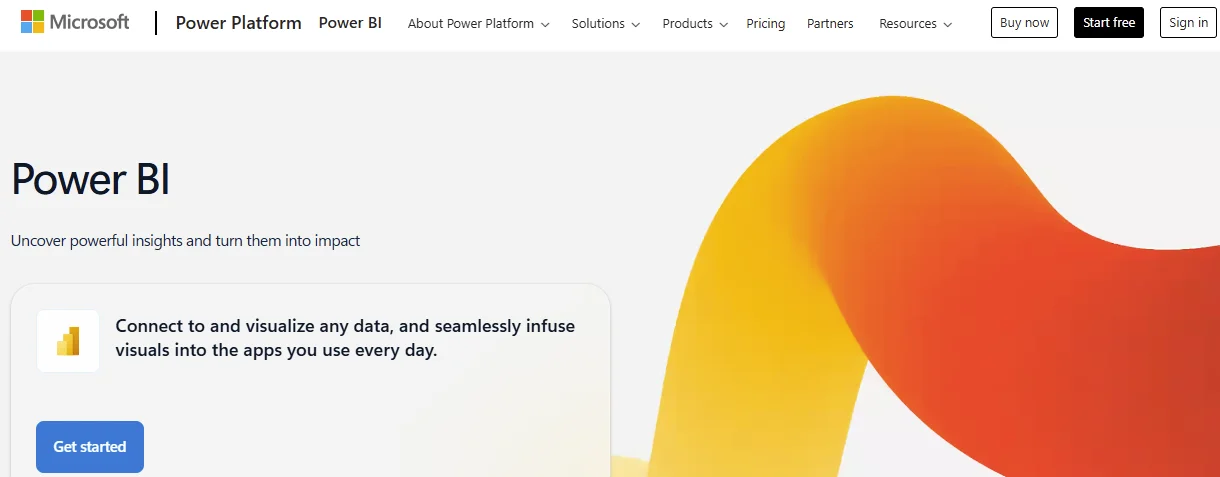
Microsoft integrated AI features into Power BI through its Copilot framework, adding natural language queries to the familiar Microsoft ecosystem.
Organizations that have standardized on Microsoft tools can get conversational analytics without adding new vendor relationships.
The downside is that Power BI Copilot requires significant semantic modeling upfront before the AI functions effectively.
The tool operates as AI on top of BI rather than as a purpose-built data analytics AI agent, so exploratory questions still require technical skills most business users don’t have.
How to Choose the Right Data Analytics Agent Platform for Your Needs
The platform you choose determines whether you actually empower business users or just add expensive software that still requires continuing intervention from the data team.
You’ll want to do the following when deciding on the above tools:
- Evaluate Explainability: Can the platform show you exactly how it calculated every metric? Black-box AI that won’t reveal its reasoning creates trust problems worse than having no AI at all. Check that you can get full data lineage for every result.
- Assess Implementation Timeline: Platforms that require months of semantic modeling before users see value can be discouraging. Look for solutions that deliver immediate insights and refine definitions progressively as usage grows.
- Match User Technical Skills: If your target users include non-technical domain experts, the platform must work without SQL knowledge or extensive training. Natural language interfaces should feel like asking a colleague, not learning software.
- Consider Question Complexity: Simple reporting like “What was yesterday’s revenue?” works in any tool. Questions like “Which customer behaviors correlate most strongly with 90-day retention across our three largest segments?” require a platform built for depth and systematic exploration.
- Verify Data Warehouse Compatibility: Confirm the platform connects to your existing data infrastructure. Solutions that require you to migrate data or work only with a few vendors create unnecessary friction and delay time to value.
It’s always worth asking for a demo when comparing tools to ensure you pick the one that best meets your unique needs.
Common Challenges and How to Avoid Them
Even powerful AI data analytics agents often fail due to challenges that may not always be related to technology quality.
Here are some issues your organization must avoid:
- Waiting for Perfect Data: Most organizations delay implementations, hoping that data quality will improve first. Instead of such delays, start with the existing high-quality data, refine the rest, and expand coverage as you prove value.
- Over-Engineering Semantic Models: Avoid spending months trying to model every conceivable metric before giving users access. Modern analytics agent tools learn progressively, so let usage patterns tell you where to improve with time.
- Ignoring Change Management: Some of your data and non-data team members may not be comfortable with changing over to AI systems. To avoid poor adoption, communicate benefits clearly, train users to formulate effective questions, and celebrate early wins publicly to inspire skeptical teams.

Frequently Asked Questions (FAQs)
Can Analytics Agents Replace Data Analysts Completely?
No. AI analytics agents eliminate the repetitive questions that consume most of your analysts’ time, which leaves them more time for more strategic work.
How Much Does an AI Data Analytics Agent Typically Cost?
The pricing for AI data analysts varies depending on the tool and usage patterns.
You can expect to pay based on the number of queries sent to your data warehouse per active user, aligning costs with the value delivered.
What’s the Typical Implementation Timeline for AI Data Analytics Agents?
Unlike legacy BI, modern platforms deliver immediate insights and refine definitions progressively.
You can start using the tool immediately within days instead of weeks or months.
How Much Technical Expertise is Needed to Use Data Analytics Agents?
Your users don’t need technical expertise to use data analytics agents.
Even non-data team members can ask questions in plain language and receive transparent answers without the input of the data team.
Conclusion
Analytics agents represent a fundamental category shift from visualization tools to conversational intelligence that actually answers the questions that drive business decisions.
Organizations that use Zoë reduce the time both data and non-data teams take to get answers to simple and complex data questions.
With Zoë, you can free your data team to focus on strategic work rather than repetitive requests.
Our technology architecture is based on trust, explainability, and depth in every answer, which sets us apart from other tools.
Request a demo to see Zoë in action today while your competitors are still waiting for answers in their data team’s queue.