

At least once every quarter, your team asks the same question repeatedly in the same BI tool and gets two different numbers. No one can figure out which one tells the truth.
Maybe you’re on ThoughtSpot or Tableau and wondering if it’s time to switch, or you’re on something else entirely and weighing both for your next move.
Either way, the frustration runs deeper than just picking a platform. It’s that the tool you already pay for can’t provide your team with consistent, reliable answers.
This ThoughtSpot vs. Tableau breakdown covers what each tool does well, where they fall short, and why a newer approach to analytics might be what your team actually needs.
TL;DR – ThoughtSpot vs. Tableau
Here’s a quick snapshot before we get into the details:
| ThoughtSpot | Tableau |
|---|---|
| A search-driven analytics platform that lets you query data with keywords. | A legacy BI platform known for deep, drag-and-drop data visualizations. |
| Pros | Pros |
| – Search-based queries let you skip SQL for simple questions. – Faster time-to-insight for casual users. – SpotIQ surfaces automated trend alerts. – Connects to major cloud warehouses out of the box. |
– Industry-standard data visualizations with granular control. – Deep customization for complex dashboards. – Massive community and training ecosystem. – Broad connectivity to hundreds of data sources. |
| Cons | Cons |
| – Visualizations feel basic compared to Tableau. – NLP accuracy depends on heavy upfront data modeling and synonym management. – Enterprise costs can spiral with query-based fees. |
– Steep learning curve for non-technical users. – Per-role licensing gets expensive at scale. – AI features feel bolted on rather than native. |
| Best For | Best For |
| Teams that want keyword-search access to data and already have a well-modeled warehouse. | Analyst-heavy teams that need pixel-perfect visualizations and complex cross-source reporting. |
What is ThoughtSpot?
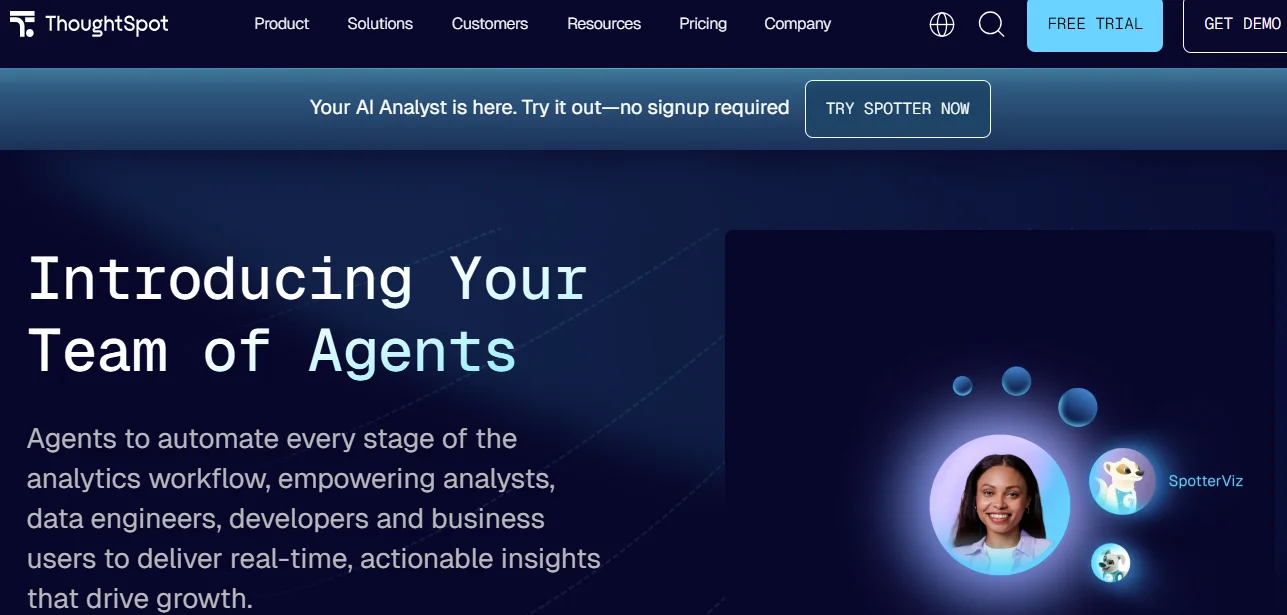
ThoughtSpot is a search-driven analytics platform that lets you type questions in a Google-like search bar to query your data.
You get charts and tables without writing SQL, which makes it a popular pick among Tableau competitors that lean into self-service BI. The platform connects to cloud warehouses like Redshift, BigQuery, and Snowflake, making it suitable for mid-market to enterprise companies.
ThoughtSpot Self-Service BI Features
ThoughtSpot’s self-service approach centers on reducing your data team’s burden for everyday questions.
This is what you get:
- Search-Based Querying: You type natural language or keywords into a search bar, and ThoughtSpot generates an answer, chart, or table from your connected data sources.
- Personalized Liveboards: These are interactive dashboards you can pin, share, and drill into across your team.
- SpotIQ Automated Insights: An AI engine that scans your data for anomalies, trends, and correlations, then delivers them even without you asking.
- Granular Permissions: Row- and column-level security controls let your data team govern who can access specific data.
ThoughtSpot Real-Time Data Analysis Capabilities
For teams that need data fresh enough to act on right now, ThoughtSpot offers a few notable capabilities.
Here’s how it keeps your numbers current:
- Live Query Mode: ThoughtSpot pushes queries directly to your cloud warehouse, so you always see current data rather than cached snapshots.
- Push-Based Alerts: You can set threshold alerts on specific metrics and receive updates through Slack, email, or in-app.
- KPI Tracking: You can schedule checks on key metrics, flag changes, and surface them to relevant stakeholders automatically.
ThoughtSpot Pricing
ThoughtSpot uses a tiered, consumption-influenced model.
The Essentials plan starts at $25/user/month for small teams, while the Pro tier starts at $50/user/month or from $0.10 per query in usage fees.
The enterprise plan requires custom pricing and applies user-based and usage-based fees.
ThoughtSpot Reviews
User feedback on ThoughtSpot tends to split along one consistent line: ease of entry versus depth of results.
Many reviewers praise the speed of simple searches but flag limited accuracy when queries get complex.
Check out this review on G2 from Maayan B. (a data analyst):
“What I like most about ThoughtSpot is its ease of use, the ability to build relationships within the data model, and its very clear documentation. It also offers a seamless integration of AI capabilities and a well-designed user interface that aligns closely with market needs.”
However, some G2 reviewers usually note that the NLP engine requires heavy data modeling before it delivers reliable answers.
Despite its shortcomings, ThoughtSpot is still a good fit for many organizations. If your team has a well-structured warehouse and you want a fast search layer for common questions, the platform can save real time.
What is Tableau?
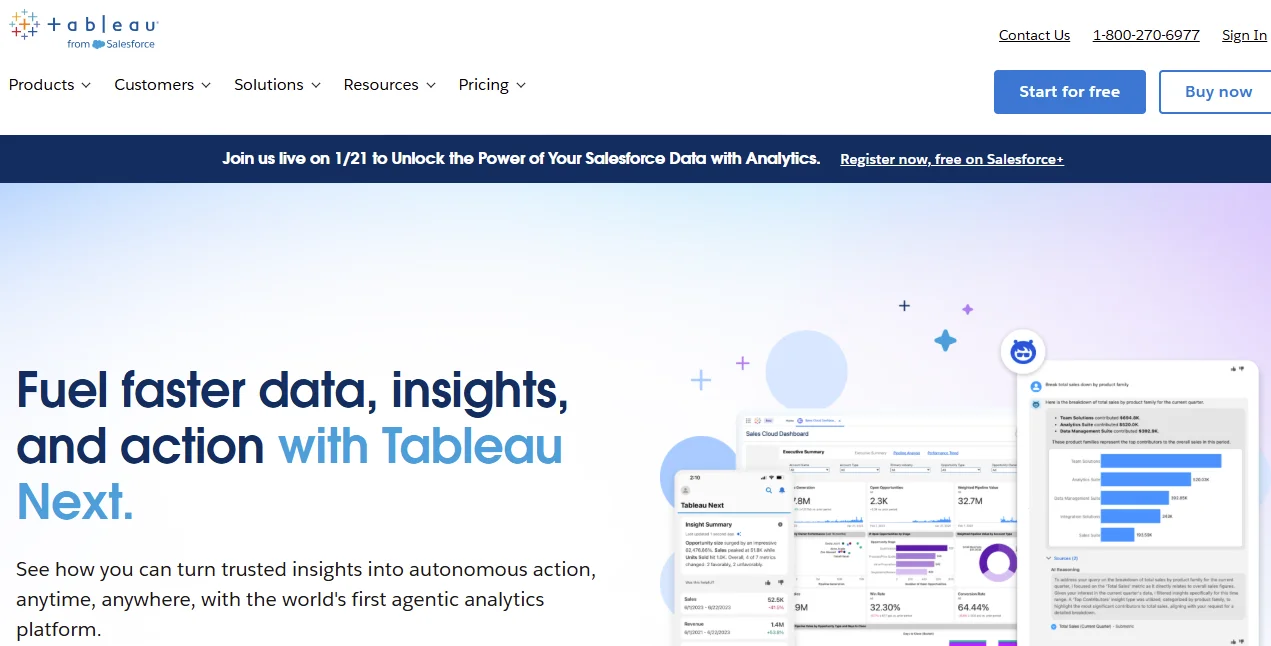
Tableau, now part of Salesforce, is a legacy BI platform known for its powerful, drag-and-drop data visualization engine. You can connect the platform to nearly any data source, build interactive dashboards, and share them across your team.
Tableau serves everyone from solo analysts to Fortune 500 enterprises, and it remains one of the most widely adopted tools for teams that need alternatives to spreadsheets and static reports.
Tableau Benefits
Tableau’s strengths are well-documented, especially for teams that need polished, presentation-ready analytics.
Here are three that stand out:
- Visual Depth: You can create virtually any chart type, from heat maps to Sankey diagrams, with fine-grained control over every element.
- Broad Data Connectivity: Tableau connects to hundreds of sources, including live SQL databases, cloud warehouses, and flat files.
- Community and Ecosystem: A massive user community, training programs, and Tableau Public give you resources that few competitors to Tableau can match.
Tableau Features
Beyond the visuals, Tableau packs a deep feature set for technical users. The most common include:
- Calculated Fields and LOD Expressions: You can write custom calculations and Level of Detail expressions to build metrics well beyond basic aggregations.
- Tableau Prep Builder: This is a data-cleaning tool that helps you shape, combine, and transform data before it hits your dashboards.
- Tableau Pulse: An AI-powered layer that surfaces insights and metric summaries and delivers them to you via Slack, e-mail, or Microsoft Teams.
- Embedded Analytics: You can embed Tableau dashboards into external applications for customer-facing use cases.
Tableau Pricing
Tableau uses role-based licensing. Creator licenses are $75/user/month, Explorer is $42/user/month, and Viewer is $15/user/month, all billed annually.
Enterprise tiers cost $115/user/month and total spend scales quickly as your user base grows.
If you prefer the Tableau+ Bundle, which enhances your data and analytics with AI, you have to reach out to the sales team for a quote.
Should your organization use Tableau?
Tableau is a strong option if your team has dedicated analysts who can provide in-depth visualization control.
You can pick Tableau over ThoughtSpot when you need pixel-perfect dashboards, advanced calculations, and a more mature analytics ecosystem.
When your priority is quick, self-serve access for non-technical users, lean toward ThoughtSpot.
Where both tools fall short is in answering the deeper, exploratory questions that come naturally to AI data analytics agents.
Neither ThoughtSpot nor Tableau was built to work the way your people actually think through problems. Humans analyze problems in conversation with follow-ups and context that carries over from one question to the next.
What About Zenlytic?
Zenlytic is an analytics agent platform built for a fundamentally different approach to data that works the way your team actually thinks.
Where ThoughtSpot gives you search, and Tableau gives you visualizations, we give you Zoë. As an AI data analyst, Zoë answers questions the way a brilliant colleague would, with context and full transparency.
Your marketing leads, product managers, and operations teams can ask complex, multi-step questions in plain English and get trusted results in seconds.
Zoë uses explainability to create trust in AI data analytics. She explains her reasoning, cites every data source, and remembers your definitions so you get consistent answers every time.
Unlike ThoughtSpot and Tableau, Zenlytic represents a different category of analytics tool. Both ThoughtSpot and Tableau require your team to adapt to the tool, but Zenlytic adapts to your team.
We wrote a detailed ThoughtSpot and Zenlytic comparison showing how the two platforms differ.
Zoë handles the kind of high-value, follow-up-heavy questions that can’t live inside a dashboard or a limited search bar.
Core Features of Zenlytic
Here’s what sets Zenlytic apart from legacy BI and search-based analytics tools:
- Zoë, the AI Data Analyst: You get a 24/7 data coworker who answers questions conversationally, asks clarifying follow-ups, and guides you through complex decision-making with full explainability.
- Clarity Engine: Our foundation for intelligent analytics combines the depth of SQL with the trust of a governed semantic model. When a definition doesn’t exist yet, the engine creates one dynamically.
- Clarity Admin: You get a dynamic fields panel that shows your data team what concepts users ask about most, so they can promote the most valuable ones into your data model.
- Citations: Every answer and metric Zoë produces includes full data lineage, showing you which sources, tables, and calculations led to that number.
- Memories: With one click, you can lock in definitions, so Zoë gives every teammate the same consistent answer to the same question.
Can’t wait to get started with AI data analytics?
Book a free demo to see Zoë in action today.
Relevant Characteristics Between Tableau vs. ThoughtSpot (vs. Zenlytic)
Many Thoughtspot vs. Tableau comparisons often focus on criteria that don’t matter to your organization.
Here’s how the two platforms compare across key attributes most organizations care about. The table also shows how they compare to Zenlytic, the ThoughtSpot and Tableau alternative for teams that value consistent intelligence in data analytics.
| Criteria | Tableau | ThoughtSpot | Zenlytic |
|---|---|---|---|
| Core Approach | Dashboard-first visualization platform for technical users | Search-driven self-service BI with AI-assisted insights | Conversational analytics agent that answers questions in natural language with full explainability |
| Ease Of Use | Steep learning curve; requires training for most users | Easier for simple searches, but accuracy depends on data modeling | Designed for everyone; you ask questions like you’d ask a colleague |
| Data Exploration | Deep drill-down if you know where to look; limited by pre-built dashboards | Keyword search enables quick answers but struggles with nuanced questions | Multi-step exploration with context preserved across the conversation |
| Dashboards & Reporting | Industry-leading visual customization | Basic, auto-generated visuals that often lack polish | Dynamic dashboards plus conversational insights that go beyond visualization |
| Metrics | Requires manual definitions through calculated fields | Relies on pre-modeled metrics in your data layer | Automated semantic layer through Clarity Engine; metrics grow as your team asks questions |
| Best Fit For | Analyst-heavy organizations that need pixel-perfect visuals | Teams with well-modeled warehouses that want fast search results for simple questions | Organizations that want every team member to get trusted answers from data |
Similarities and Differences
Now let’s distill the overlap and differences between ThoughtSpot and Tableau.
ThoughtSpot and Tableau Similarities
Based on the criteria above, here’s where the two share common ground:
- Core Approach: Both treat data analysis as a tool-driven experience where your team interacts with a product interface, whether that’s a search bar or a visual canvas.
- Data Exploration: Both offer ways to drill into your data, though each requires your team to learn the tool’s method before they get value.
- Dashboards and Reporting: Both provide interactive dashboards you can share across your team, with scheduled reports and alerts on key metrics.
- Best Fit For: Both serve mid-market to enterprise companies with existing data warehouses and require technical setup before business users can explore data.
ThoughtSpot and Tableau Differences
The two solutions differ in several ways, including:
- Core Approach: Tableau centers on visual dashboards built by analysts, while ThoughtSpot focuses on a search bar that lets business users query data directly.
- Dashboards and Reporting: Tableau provides much greater visual control, while ThoughtSpot generates basic visualizations that fall short for executive presentations.
- ThoughtSpot vs. Tableau Pricing: Tableau uses a per-user, per-role pricing model, while ThoughtSpot combines per-user fees with usage-based costs.
- Ease of Use: Tableau requires formal training and weeks of rigorous onboarding. ThoughtSpot allows you to type a question on day one, though its accuracy depends on the quality of your data modeling.
- Metrics: Tableau requires you to manually define every calculated field, while ThoughtSpot relies on your pre-modeled semantic layer.
However, neither platform offers the kind of conversational, multi-step exploration that analytics agents deliver.

The Bottom Line
Tableau remains a powerhouse for visualization, and ThoughtSpot has made real progress in making BI more searchable. But both platforms still require your people to learn a tool, navigate a dashboard, or hope their search terms match how the data was modeled.
Zenlytic takes a different path. Our analytics agent ensures accuracy, consistency, and explainability in every answer to help you go from data to decisions in seconds.
Get instant answers from your data with Zoë today.
Frequently Asked Questions (FAQs)
Here are answers to the most common questions about the two platforms:
Is ThoughtSpot or Tableau Better for RevOps Teams?
Your RevOps team will likely get more out of ThoughtSpot for quick pipeline checks, since the search bar makes simple metrics accessible without SQL.
Tableau gives you more control if your RevOps workflows require custom dashboards that blend CRM and billing data.
For deeper analysis, an analytics agent like Zoë handles the complexity that RevOps questions demand.
Can ThoughtSpot Fully Replace Traditional BI Dashboards?
ThoughtSpot can reduce your reliance on static dashboards for common questions, but it won’t eliminate the need for them.
You’ll still want structured reports for board decks and compliance because its auto-generated visuals lack the polish most stakeholders expect.
Does Tableau Require SQL Knowledge for Everyday Use?
You don’t need SQL to build basic Tableau dashboards, thanks to its drag-and-drop interface.
However, you’ll need calculated fields, LOD expressions, and sometimes custom SQL for anything beyond surface-level analysis, which adds cost and ramp-up time.
How Do ThoughtSpot and Tableau Handle Offline Analytics?
Tableau offers a desktop application that lets you work with data extracts offline, which is useful for analysts who travel or lack reliable internet access.
ThoughtSpot is cloud-native and requires a live connection to your warehouse, so Tableau has the clear edge here.