

Picking a BI tool shouldn’t feel like a second full-time job, but teams often get buried in feature matrices and vendor pages that all say the same thing. Maybe your current business intelligence or analytics setup can’t keep up with how quickly your team needs answers, or you’re evaluating ThoughtSpot vs. Power BI to finally close the gap. Either way, the frustration is real. Let’s break down how these two competitors stack up, and why a third option might be worth your attention.
TL;DR — ThoughtSpot vs. Power BI
ThoughtSpot
An AI-powered, search-driven analytics platform for self-serve data exploration.
- Natural language search for quick ad hoc queries
- Strong embedded analytics for SaaS products
- SpotIQ surfaces anomalies and trends automatically
- Connects to all major cloud data warehouses
- The pay-per-query model makes costs unpredictable
- Search accuracy depends heavily on extensive upfront data modeling
- Limited visualization customization compared to Power BI or Tableau
Best For: Mid-to-large enterprises that want search-driven, AI-powered analytics and strong embedded capabilities.
Power BI
Microsoft’s BI and visualization tool, integrated with the Microsoft 365 ecosystem.
- Lower entry cost at $14/user/month for Pro
- Deep integration with Excel, Azure, and Microsoft 365
- Massive community, templates, and learning resources
- Copilot adds generative AI to report creation
- Heavy reliance on DAX for advanced calculations
- Copilot requires a Fabric F2+ capacity purchase on top of your license
- Self-serve is limited to pre-built dashboards, making deep ad hoc exploration difficult
Best For: Teams already in the Microsoft ecosystem that need affordable, visualization-heavy reporting and dashboards.
What Is ThoughtSpot?
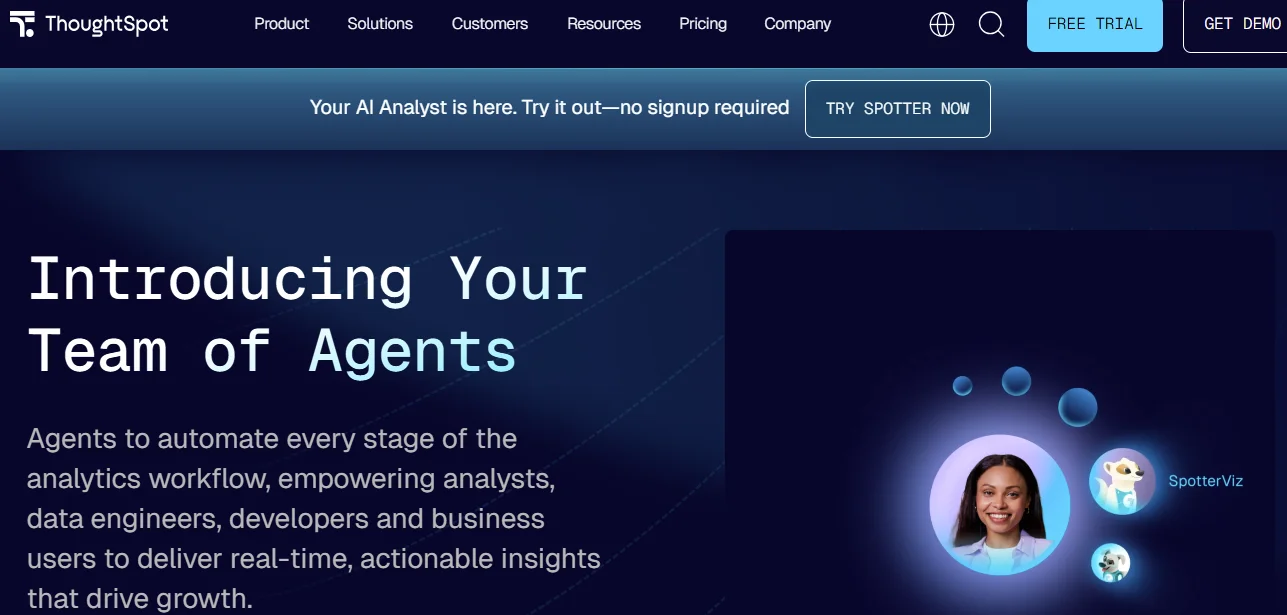
ThoughtSpot is a cloud-based analytics platform that lets your teams explore data through a search bar, similar to how you’d use Google. Any user can type a question in plain English and get charts, tables, and Liveboards from the platform. ThoughtSpot connects to cloud warehouses such as Databricks, BigQuery, Redshift, and Snowflake, making it especially popular with enterprises that embed analytics into their own products.
How Much Does ThoughtSpot Cost?
ThoughtSpot uses a tiered model. The Essentials plan starts at $25 per user per month for up to 50 users. The Pro plan moves to either user-based pricing from $50 per user per month or per-query billing from $0.10 per query. The Enterprise plans carry custom quotes for either user-based or usage-based billing.
ThoughtSpot AI Analytics Capabilities
ThoughtSpot has added AI features with its Spotter agent. Here’s what you can expect:
- Spotter: This is ThoughtSpot’s AI agent, which guides you through multi-step analyses and recommends follow-up questions based on your results.
- SpotIQ Automated Insights: SpotIQ scans your data to flag anomalies, correlations, and trends you might not have caught on your own.
- Natural Language Search: You type a question in plain English, and the platform translates it into a query against your connected data sources.
- Monitor Alerts: You can set threshold-based alerts that notify your team when key metrics change.
ThoughtSpot Use Cases
ThoughtSpot works well for organizations that need fast, search-based answers across large data sets with use cases such as:
- Embedded Analytics for SaaS Products: Product teams can embed Liveboards directly into customer-facing apps so end users can explore data without leaving the product.
- Enterprise Self-Serve Reporting: Large companies give business users a search bar to pull their own reports, which takes ad hoc requests off the data team’s plate.
- Executive KPI Dashboards: C-suite users can track company-wide metrics on interactive Liveboards that refresh automatically.
- Retail and E-Commerce Analytics: Merchandising teams monitor sales performance and customer segments through search-driven queries.
These use cases show the platform’s strengths. With ThoughtSpot, you’ll get strong value if you need embedded analytics or have a mature data team that can handle upfront data modeling. However, if Microsoft integrations and lower costs matter to your organization more than embedded analytics and AI-driven search, you may consider Power BI.
What Is Power BI?
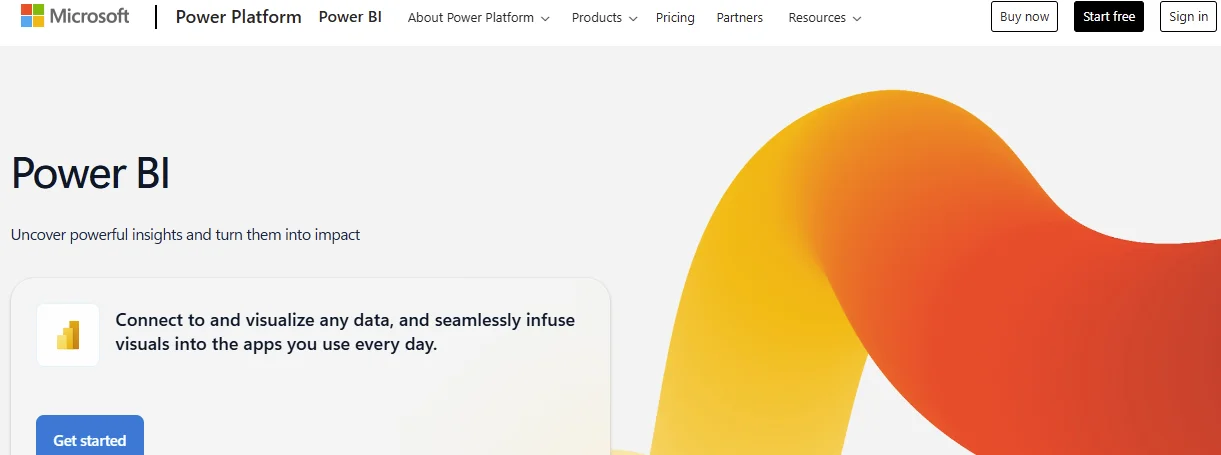
Power BI is Microsoft’s business intelligence platform, which turns raw data into visually interactive dashboards and reports. You can pull data from hundreds of sources, model it with DAX formulas, and share polished visualizations across your company through the Power BI Service or embedding in Teams. Power BI serves everyone from small teams to enterprises, and because it lives within the Microsoft ecosystem, your team can work with Excel, Azure, and SharePoint seamlessly.
Power BI Features
Power BI packs a wide range of features into a relatively low-cost package, which is why it often tops lists of Power BI alternatives rather than more expensive tools. Here are the key features to expect:
- DAX-Powered Data Modeling: You can build complex calculated columns, measures, and KPIs with the DAX formula language, though it carries a steep learning curve.
- Copilot AI Assistant: Copilot helps you create report pages, generate DAX formulas, and summarize data through natural language prompts.
- Paginated Reports: You can produce pixel-perfect, print-ready reports for finance or compliance teams.
- Microsoft 365 Integration: Your reports live in Teams, SharePoint, and Excel, so your team doesn’t have to switch between tools they already use.
Power BI Benefits
With these features, Power BI leads to several benefits:
- Low Cost of Entry: At $14/user/month for Pro, Power BI gives you a full BI suite at a fraction of what most competitors charge.
- Massive Ecosystem and Community: You access thousands of templates, tutorials, and forums to help your team learn the platform quickly.
- Scalable with Microsoft Fabric: As your data needs grow, you can scale into Fabric for advanced lakehouse, data engineering, and real-time capabilities.
Power BI Cost
Power BI Pro costs $14/user/month, and Premium Per User costs $24/user/month. Other related platform fees can ramp up your costs significantly, such as Microsoft Fabric costs.
Microsoft Power BI Reviews
Reviewers praise Power BI for its value at the price point and the strength of its visualization library. Here’s a sample review from Abhishek B., a System Engineer:
“What I like most is its ability to quickly turn raw data into clear, interactive dashboards. It integrates smoothly with multiple data sources, especially within the Microsoft ecosystem, and it supports real-time data refresh and easy sharing. The range of visualization options, along with strong drill-down capabilities, makes it straightforward to analyze trends and communicate insights effectively to stakeholders.”
In his review, Abhishek adds:
“The biggest drawback of Power BI, in my experience, is the learning curve around DAX and more complex data modeling, which can be tough for beginners to pick up. Performance can also slow down when working with very large datasets, and some of the more advanced features require a paid license. If performance optimization were improved and the pricing were simpler, it would feel even more user-friendly overall.”
The criticism of Power BI centres on the DAX learning curve and the complexity of Fabric licensing. Many users also complain that Copilot’s AI capabilities are limited compared with dedicated AI analytics tools.
Despite these issues, Power BI may be a good fit for your organization. If your team uses Microsoft 365 and needs affordable dashboards, you’ll get solid value. If you want to ask in-depth, multi-step questions in plain English and trust the answers, you’re likely ready for a different approach and looking at Microsoft Power BI alternatives that go beyond visualization. You can choose Power BI over ThoughtSpot when budget and Microsoft integration matter more than AI-native search or embedded analytics.
What About Zenlytic?
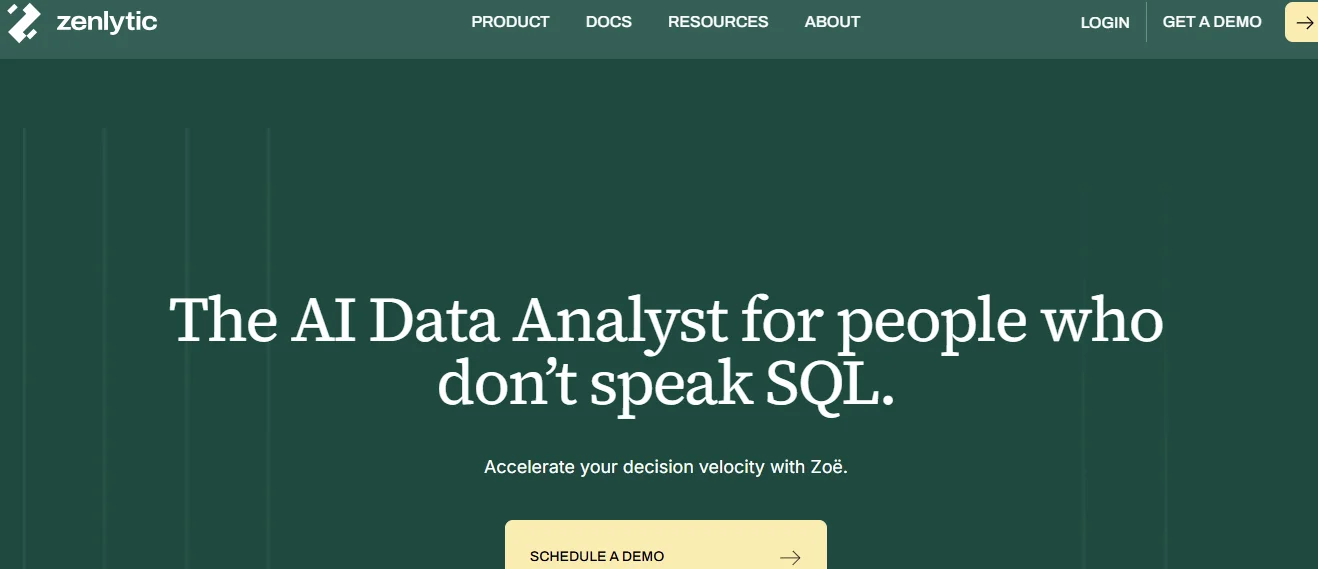
Zenlytic is an intelligent analytics platform built from the ground up for AI-first data exploration, and it serves as a compelling alternative to Power BI for teams that need more than dashboards. Unlike ThoughtSpot, which blends search with legacy BI, or Power BI, which bolts Copilot onto a dashboard-centric framework, we took a fundamentally different approach. Our platform gives your entire team access to Zoë, an AI data analyst that answers complex questions in plain English, explains her reasoning with full citations, and learns your business context over time.
Here’s what makes our solution different from ThoughtSpot, Power BI, and other common tools:
- Explainability and Trust: We’ve eliminated the trust problem. Zoë’s answers include her reasoning, controlled metric definitions, and data lineage.
- Answer and Metric Consistency: Consistency beats raw intelligence for analytics teams that need reliable, repeatable answers. Many AI tools give a different answer every time you ask the same question. Zoë solves this through Memories and the Clarity Engine, which lock in your metric definitions and apply them in every query.
- Speed to Value: While ThoughtSpot asks you to model everything before you can search, and Power BI asks you to master DAX before you can calculate, Zenlytic starts answering your questions on day one and builds your semantic layer in the background as you work.
- Industry Specialization: We serve mid-market and enterprise companies in retail, technology, and manufacturing that already have cloud data warehouses but can’t get fast, trusted answers.
Zenlytic Features
Our platform combines AI-native analytics with enterprise-grade governance. Here’s what you get:
- Zoë: Our AI data analytics agent answers complex, multi-step questions conversationally, explains her process, and asks clarifying questions just the way a senior analyst on your team would.
- Clarity Engine: The Clarity Engine combines the depth of SQL with the trust of a semantic layer, so every answer is both flexible and governed. Your team gets answers that go beyond dashboards without sacrificing accuracy.
- Clarity Admin and Dynamic Fields: When Zoë creates new measures or dimensions on the fly, your data team can review, refine, and promote the most valuable ones into your permanent data model.
- Citations: Every metric and summary Zoë produces comes backed by real data sources, so you can trace exactly where every number came from and see the AI’s reasoning.
- Memories: You define how data should be used once, and Zoë enforces those rules automatically in every response, so your team always gets the same trusted answer.
Want to see what this looks like with your own data?
Detailed Comparison Between Power BI vs. ThoughtSpot (vs. Zenlytic)
Here’s how all three platforms compare on the criteria that matter most to data-centric organizations:
| Aspect | Power BI | ThoughtSpot | Zenlytic |
|---|---|---|---|
| Core Focus | Dashboard-centric reporting and visualization within the Microsoft ecosystem | Search-driven, AI-powered self-serve BI with strong embedded analytics | AI-native intelligent analytics built on trust, depth, and explainability |
| Metric Consistency | Relies on DAX measures each author defines independently, risking conflicting numbers | Uses a TML modeling layer that requires upfront setup by your data team | Enforces a single governed semantic layer with Memories, so everyone gets the same answer automatically |
| Governance at Scale | Row-level security and workspace permissions, but governance depends on manual DAX model management | Role-based access and row-level security, but search accuracy depends on synonym management | Progressive AI governance with Clarity Admin, letting data teams review and promote AI-generated fields |
| Analytics Engineering Support | Full DBT and Azure Data Factory integration, but the BI layer requires manual DAX modeling | Connects to dbt and major warehouses, but TML adds a separate setup step | Full dbt integration with a cognitive layer that grows your model as your team asks questions |
| Tool Flexibility | Extensive visualization library and custom visuals, but deep analysis requires DAX expertise | Search-driven exploration with Liveboards, but limited visualization customization | Conversational AI with Zoë that goes beyond visualization into multi-step analysis and scenario modeling |
Similarities and Differences
Now that we’ve covered each platform, let’s summarize the key similarities and differences between ThoughtSpot and Power BI.
ThoughtSpot and Power BI Similarities
Both platforms share several core capabilities:
- Cloud Warehouse Connectivity: Both connect to Snowflake, BigQuery, Databricks, Redshift, and other major cloud sources.
- AI-Assisted Analytics: Both now offer AI capabilities, with ThoughtSpot’s Spotter and Power BI’s Copilot providing natural-language query features.
- Role-Based Access and Security: Both provide row-level security and role-based permissions to control data access.
- Enterprise Scalability: Both serve large organizations and support thousands of users, with the ability to scale as organizational needs grow.
ThoughtSpot and Power BI Differences
The differences become clear when you look at how each platform approaches data exploration:
- Core Focus: Power BI centers on dashboard-based visualization. ThoughtSpot focuses on search-driven, AI data analytics.
- Metric Consistency: ThoughtSpot uses a centralized TML layer that requires upfront setup, while Power BI relies on each author’s DAX skills to ensure consistency.
- Platform Flexibility: Power BI offers a richer visualization library. ThoughtSpot gives you more freedom in search-based exploration.
- Governance at Scale: ThoughtSpot enforces governance through its modeling layer, but requires you to curate metadata extensively. Power BI governance relies on manual model management.

The Bottom Line
Power BI offers affordable visualizations and integrates with other Microsoft tools, but it locks in-depth analysis behind a steep DAX learning curve and fragmented Copilot licensing.
ThoughtSpot offers AI-powered search and strong embedded analytics. However, its heavy upfront modeling can slow down both data and non-data teams.
With Zenlytic’s Zoë, Clarity Engine, and progressive AI governance, you get trusted, explainable answers to questions that dashboards can’t handle.
What’s more, our platform prioritizes consistency because we understand that consistent answers matter more than intelligence when it comes to data analytics.
Book a free demo today and see why teams at Stanley Black & Decker, J.Crew, and other major organizations chose Zenlytic.
Frequently Asked Questions (FAQs)
Here are quick answers to the most common questions that surface during ThoughtSpot vs Power BI comparisons:
Is ThoughtSpot Better Than Power BI for Embedded Analytics?
Yes, ThoughtSpot tends to be stronger here. Its developer tools, APIs, and visual Embed SDK make it easier for product teams to drop interactive Liveboards into customer-facing apps. Power BI also supports embedding, but the experience is more tightly coupled to the Microsoft ecosystem and harder to customize for external users.
Can Power BI Replace a Dedicated Semantic Layer?
Not fully. Power BI uses DAX-based measures inside individual datasets, which means metric definitions can vary from report to report unless your team enforces strict governance. A dedicated semantic layer, like the one Zenlytic provides through its cognitive layer, centralizes definitions so everyone works from one source of truth.
Does Power BI Support Real-Time Analytics Use Cases?
Power BI offers real-time dashboards through DirectQuery and streaming datasets, and you can connect to Azure Event Hubs for live data. However, real-time in Power BI typically means refreshed dashboards, not true conversational exploration of live data the way an AI-first analytics agent would deliver.
Which Tool Is Better for Product Analytics Teams?
The right tool for product analytics depends on your team’s biggest need. ThoughtSpot excels at embedded analytics within your product. Power BI works well for internal product performance dashboards. Zenlytic serves product teams that want to ask deep, cross-functional questions about feature adoption, retention, and customer behavior without waiting for a data team to produce every report.
Want to see how Zenlytic can make sense of all of your data? Sign up below for a demo.