

You know this frustration well: You need to understand why acquisition costs spiked in the last quarter, but your dashboards only show surface-level results without explaining the reason. Since the data team is buried in ad hoc requests, you have to wait three days or more. By then, the moment passes, and your team stays reactive when you should be making strategic moves.
Your teams need data and business answers in real time. You need a tool that prioritizes both depth and accuracy while letting you explore data without doubting what you find.
In this guide, we’ll walk through the best self-service BI tools on the market, explore key capabilities that separate good platforms from great ones, and show you how to pick the right solution for your organization’s needs.
TL;DR – 7 Best Self-Service BI Tools
Here’s a quick comparison of the platforms we’ll cover:
| Tool | Features | Best For |
|---|---|---|
| Zenlytic | AI data analyst (Zoë), conversational analytics, Citations for explainability, Memories for consistency | Teams moving beyond traditional self-service BI to analytics agents with trust and depth |
| Tableau | Advanced visualizations, drag-and-drop interface, handles large datasets, extensive customization | Organizations with strong visualization needs and technical resources |
| Power BI | Microsoft ecosystem integration, Excel-like interface, Office 365 connectivity | Enterprises deeply invested in the Microsoft stack |
| Looker | Code-based modeling (LookML), centralized metric definitions, version control | Companies with strong data engineering teams that want precise governance |
| Thoughtspot | Search-based analytics, AI-powered insights, natural language search | Business users who want Google-like search for data exploration |
| Metabase | Open-source option, simple query builder, lightweight deployment | Small to mid-size teams that want cost-effective, straightforward BI |
| Sisense | Embedded analytics, white-label customization, complex data modeling | SaaS companies that need to productize analytics for their customers |
| Sigma Computing | Spreadsheet-like interface, cloud-native architecture, live data connections | Teams that want Excel familiarity with cloud warehouse power |
What is Self-Service BI?
Self-service BI is a category of analytics tools that lets business users query data, build reports, and create visualizations without SQL knowledge or constant IT support.
The goal is straightforward. Put data in the hands of people who need it most, exactly when they need it, without waiting on analysts to translate every question into code.
Unlike traditional BI, where analysts mediate every request, self-serve BI platforms give you direct access to prepared datasets. For example, you can slice revenue by region, compare marketing channels, or track inventory levels using drag-and-drop interfaces without putting in requests to analysts.
Self-Service BI vs. Traditional BI
The shift from traditional to self-service BI changes who controls data access and how fast you get answers. Here’s what sets the two approaches apart:
Centralized Control vs. Distributed Access: Traditional BI keeps data modeling and report creation with IT and data teams, while self-service BI pushes these capabilities to business users directly.
Weeks to Implement vs. Hours to Insights: Traditional systems require extensive setup and training before you see value, whereas self-service tools let you start exploring data much faster.
Fixed Reports vs. Flexible Data Exploration: Traditional BI offers static dashboards that answer predetermined questions, while self-service BI lets you dig deeper to get the whole story behind your data and insights.
Dependency on IT and Data Team vs. User Autonomy: Traditional BI creates bottlenecks as analysts become gatekeepers, while self-service BI frees both analysts and business users from this cycle.
That said, even advanced self-service BI platforms still leave gaps. They make exploring data easier, but they don’t always deliver the depth or trust you need for the decisions that matter. The depth or trust challenge marks the main difference between old-school BI and intelligent analytics.
Benefits of Using Self-Service BI Tools

The benefits of self-service BI extend beyond convenience and touch every part of how your organization works with data. You can experience the following advantages:
Faster Decision-Making: You don’t wait for analysts to fit your question into their queue. Instead, you explore the data yourself and make calls while the opportunity is still available.
Reduced Analyst Workload: Data teams spend less time answering repetitive questions and more time on strategic work that actually moves your business forward.
Better Data Literacy: When more people interact with data regularly, your organization builds muscle memory around metrics, trends, and what drives results.
Agility in Market Response: Self-service BI lets you identify emerging trends and adjust strategies immediately, not after waiting for scheduled reports. Your ability to act on insights while they’re still relevant often determines whether you lead or follow.
Key Features of Self-Service BI Tools
The best platforms share common capabilities that make self-service BI architecture actually work for real teams. These capabilities may include:
Intuitive Data Preparation: You need to clean, transform, and join all your data sources without writing code or learning to use Extract, Transform, and Load (ETL) tools. Good platforms handle this with visual interfaces that make sense to business users.
Drag-and-Drop Report Building: Creating charts and tables should feel natural, not like a programming exercise.
Pre-Built Data Connectors: Your data lives in Salesforce, Shopify, Google Analytics, and dozens of other tools. Quality self-serve BI pulls from these sources through pre-built connectors that minimize setup time and technical complexity.
Governed Data Access: Freedom to explore doesn’t mean chaos. Self-service tools support row-level security and role-based permissions to ensure people see only the data they are authorised to access.
Top 7 Self-Service BI Software
The self-service BI market offers dozens of options, but our list discusses platforms that represent unique approaches to making data accessible.
Before we explore traditional self-service BI platforms, it’s worth understanding a critical limitation. Self-service BI makes dashboards easier to build and data easier to explore, but these tools struggle with complex questions that dashboards can’t answer. You hit a wall when you need to investigate why churn increased, how attribution really works across channels, or what patterns predict future performance. Self-service BI platforms give you flexibility, but they don’t always give you depth or trust.
Self-service analytics solves this by combining conversational natural language interfaces with AI insights and results that you can actually trust. Instead of just making BI easier to use, self-service analytics fundamentally changes how you interact with data.
Zenlytic: Self-Service Analytics Platform
We designed Zenlytic from the ground up as an agentic analytics platform, not a BI tool with AI features bolted on.
Zoë, our AI data analyst, relies on advanced context management with our Clarity Engine to deliver answers you can trust.
When you ask Zoë about customer churn or marketing attribution, she doesn’t give you a black-box number. Every metric comes with full Citations showing exactly which data sources, tables, and calculations produced that result.
Our Clarity Admin panel learns from every question your team asks. When users request metrics that don’t exist yet, those concepts get captured automatically.
That’s why we built Memories: so you can lock in definitions with a single click. Once you define a metric such as customer lifetime value, everyone gets the same answer every time.
What this means for your teams:
Trusted Answers With Full Transparency: Every result shows complete data lineage, so you understand where the numbers or insights come from.
Consistency Across Your Organization: Memories ensure metrics mean the same thing to marketing, finance, operations, and product teams.
Deeper Insights Than Dashboards Allow: Zoë answers sophisticated questions that traditional BI can’t handle, letting you explore your data more deeply without having to start over.
Governance Without Gatekeeping: Data teams maintain control while business users explore independently.
Want to see how our platform handles questions your current tools can’t answer? Book a demo today and ask Zoë something your dashboard has never been able to tell you.
Let’s now discuss the best self-serve BI tools in detail:
1. Tableau
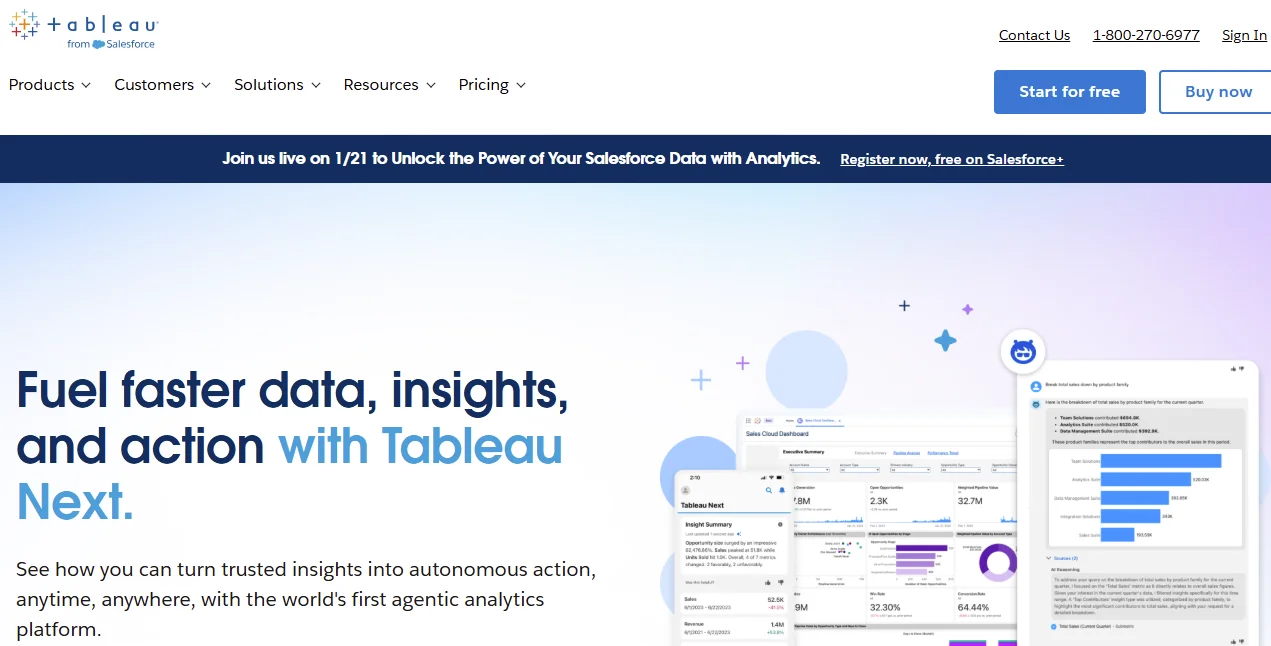
Tableau is a pioneer in visual analytics and remains a powerhouse for businesses that need complex data visualizations.
You can build complex dashboards that tell compelling data stories, and the platform handles massive datasets. However, building sophisticated analyses still requires technical expertise, and many organizations find themselves recreating the analyst bottleneck they hoped to eliminate. Organizations with strong visualization needs and dedicated BI teams often find Tableau worth the investment.
2. Power BI
Microsoft’s entry into the BI space leverages the Office 365 ecosystem that most enterprises already use. If your teams live in Excel, Teams, and SharePoint, Power BI self-service analytics feels like a natural extension of the tools you already know. However, Power BI’s tight integration with Microsoft can be problematic. If your teams use non-Microsoft data systems like Google Cloud infrastructure or AWS, they will struggle with connectors and performance.
3. Looker
Looker takes a code-first approach with its LookML modeling layer. This makes it powerful for data teams that want precise control over metric definitions, but business users still depend on those teams to build and maintain models. The biggest drawback is that LookML creates a new bottleneck. Business users can’t build their own models or metrics without engineering help, which defeats the promise of true self-service analytics for non-technical teams.
Companies with strong data engineering resources often choose Looker.
4. ThoughtSpot
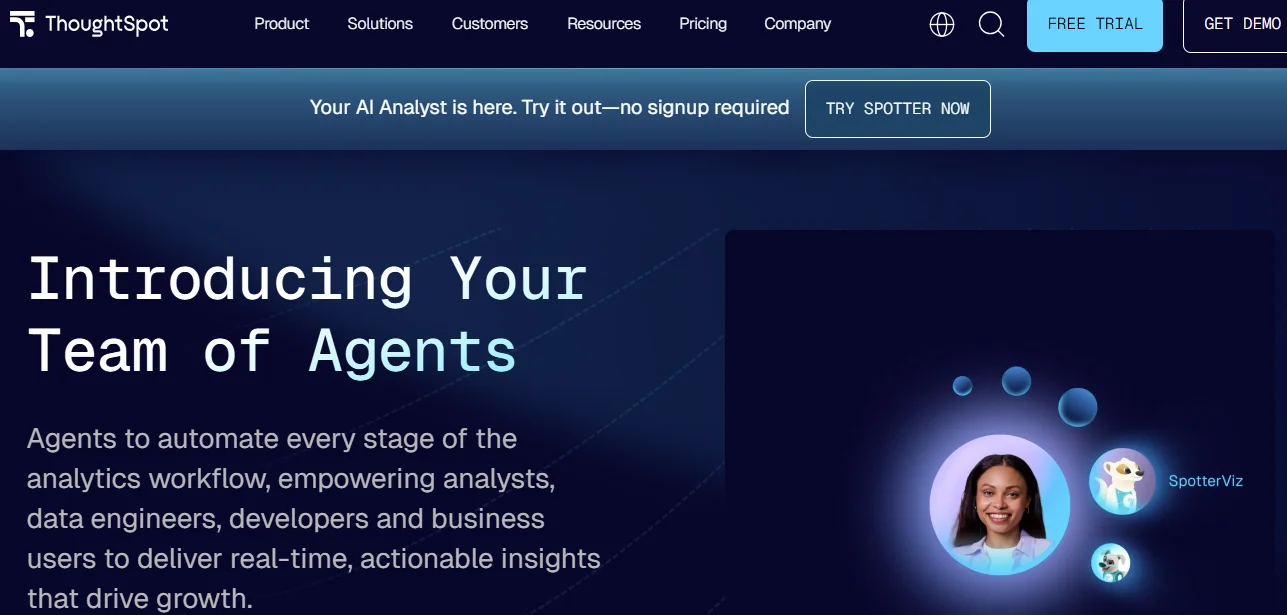
Thoughtspot adds search-based analytics to business intelligence, letting its users type questions in natural language. The platform uses AI to interpret queries and return visualizations, which works well for simple questions. Businesses find Thoughtspot useful because it reduces the time they have to train users on BI applications, which helps them get insights sooner.
You’ll find that the search interface works well for simple questions but struggles when the analyses become more nuanced. Complex business logic often requires multiple searches and manual interpretation, which can leave you frustrated when you need deeper insights beyond basic metrics.
5. Metabase
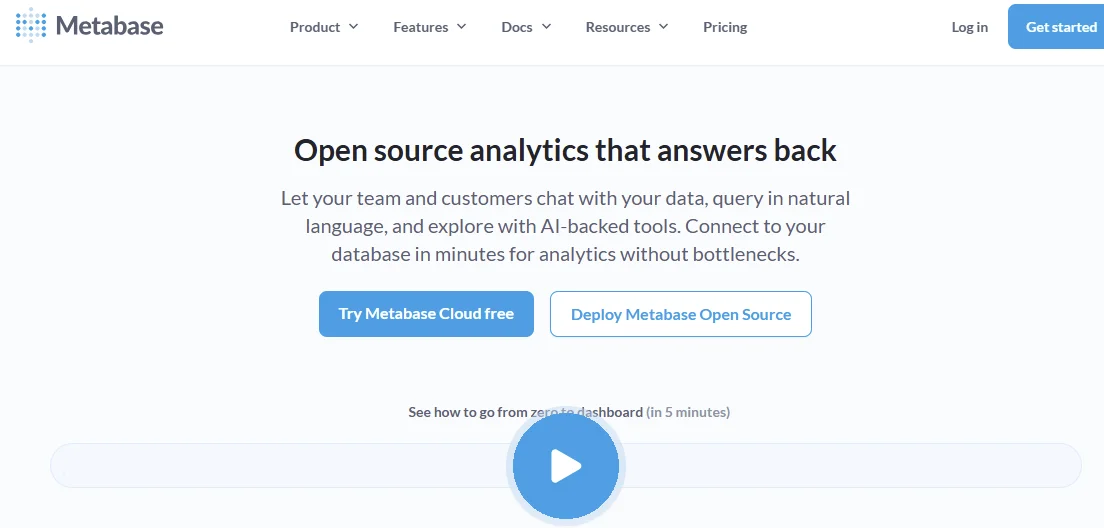
Metabase offers an open-source option for teams that want straightforward BI without enterprise pricing. The platform provides both GUI-based query builders for business users and SQL interfaces for technical users. Small to mid-size teams that want cost-effective BI can start with Metabase.
The problem is that as an open-source tool, Metabase lacks the enterprise-grade support and advanced features that larger organizations need. Most teams often outgrow it quickly and face migration headaches when scaling beyond basic reporting requirements.
6. Sisense
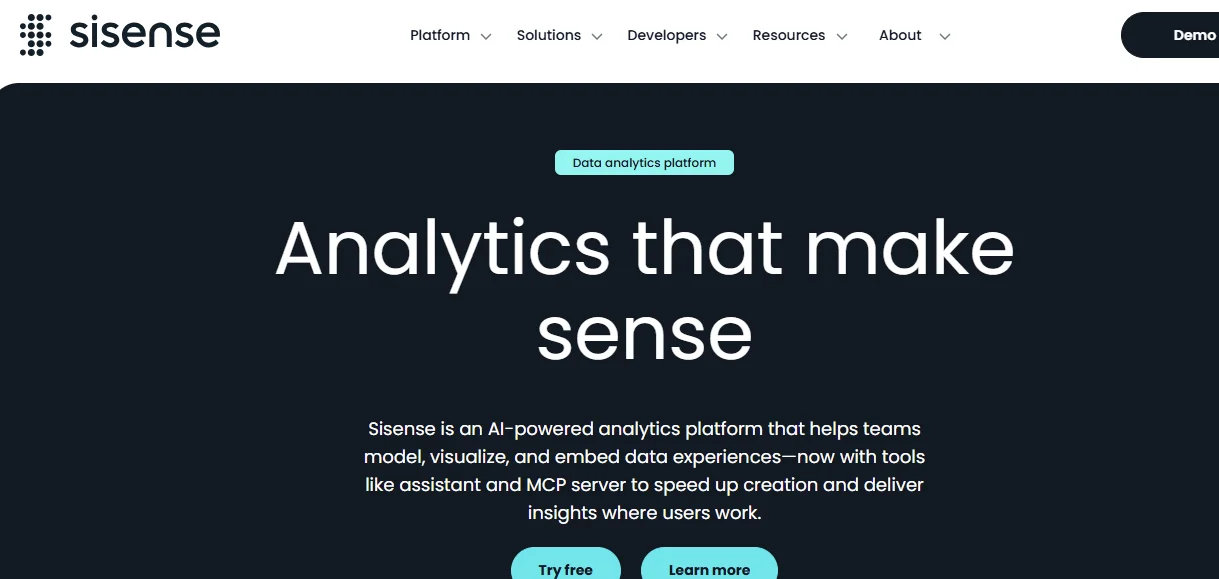
Sisense targets embedded analytics use cases where you need to white-label BI functionality in your own product. If you’re building a SaaS platform and want to offer analytics to your customers, Sisense provides the infrastructure. Organizations that need to productize analytics find Sisense compelling.
However, Sisense’s focus on embedded analytics often makes it overkill for internal-only use cases. The platform’s pricing reflects its white-label capabilities, making it expensive for teams that just need easy internal BI without customer-facing requirements.
7. Sigma Computing
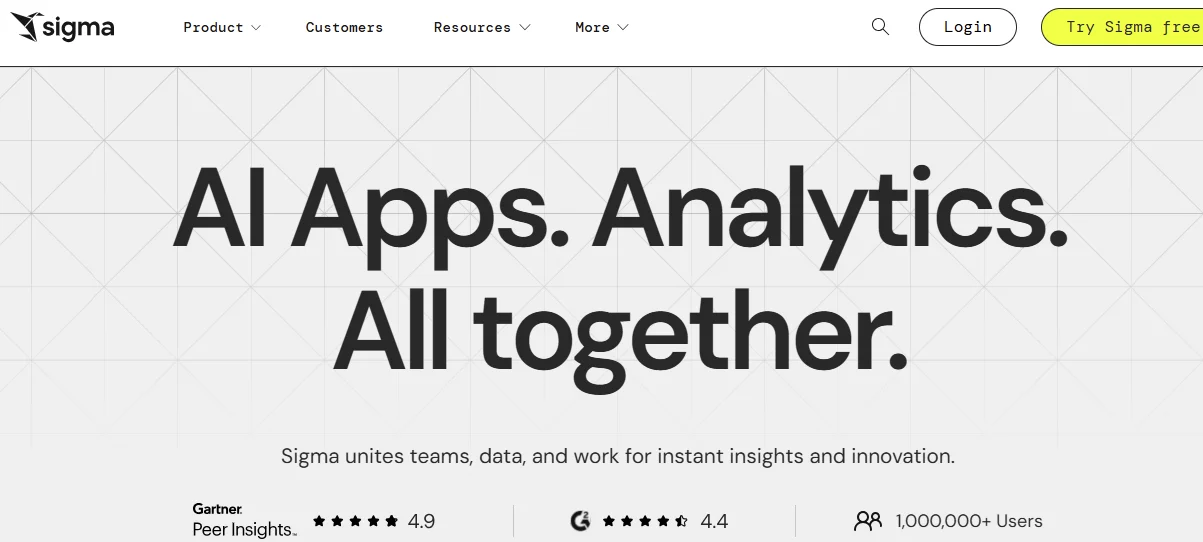
Sigma Computing brings a spreadsheet-like interface to cloud data warehouses, making it familiar to anyone who’s used Excel. The tool connects directly to your warehouse without moving data, letting users build analyses using formulas and pivot tables they already know. Teams that want the power of cloud analytics without forcing users to learn new tools find Sigma’s approach compelling.
While the spreadsheet interface feels familiar, it inherits Excel’s limitations too. Users can build overly complex formulas that become unmaintainable, and the lack of centralized metric definitions can lead to inconsistent calculations across teams.
Each of these platforms excels at making data more accessible than traditional BI. But as we noted earlier, accessibility isn’t the same as depth or trust. For questions that require investigation beyond what dashboards can show, analytics agents offer a fundamentally different approach.
Common Use Cases for Self-Service BI Tools
The value of self-service BI becomes clear when you look at how different teams use these platforms day to day. You can apply self-serve BI tools in the following sample scenarios:
Managing Your Sales Pipeline: Your revenue operations teams can track deal velocity, win rates by segment, and forecast accuracy without waiting for weekly reports.
Marketing Attribution Analysis: Self-service BI reporting allows your marketing team to explore campaign performance, compare conversion rates across channels and segments, and reallocate budget based on what’s actually working.
Analyzing Product Usage: Your product managers can explore how different user segments engage with features, where drop-off happens, and which changes help retain customers.
Optimizing Your Supply Chain: Operations teams can track inventory levels, how suppliers perform, and logistical expenses in real time. This helps them to model alternative scenarios when disruptions occur.
Financial Planning and Analysis: Finance teams can build budget models, track variance against forecasts, and analyze profitability by product line or customer segment.
How to Choose the Right Self-Service BI Tool for Your Organization

Selecting the right self-serve BI platform requires looking past feature lists to how the tool performs with your actual data, team, and decision-making processes.
First, assess your data infrastructure. Do you run on Snowflake, BigQuery, Databricks, or another cloud warehouse? Make sure the platform you choose connects to your technology stack through native connectors.
Next, evaluate your team’s technical skills. Some platforms assume you have data engineers who can write SQL. Others are genuinely accessible to business users.
You should also think about how to scale self-service BI needs. Some tools perform well with smaller datasets but struggle when you hit millions of rows. You can test with realistic data volumes before committing.
Finally, look at the total cost of ownership, not just licensing fees. Factor in consulting costs for the implementation and ongoing administrative expenses.
If you’ve tried traditional self-service BI and hit the depth or trust wall, it’s time to explore analytics agents. Check out our article on why traditional BI is going the way of BlackBerry and what comes next.
Frequently Asked Questions (FAQs)
Let’s wrap this up with some common questions about self-service BI:
How Much Do Self-Service BI Tools Typically Cost?
The pricing for self-serve BI tools mainly depends on features and scale. Entry-level plans usually start at $20-$30 per user per month, while enterprise platforms cost several hundred dollars per user. Some vendors charge based on data volume. You can request custom quotes for your specific needs when evaluating different tools.
Can Self-Service BI Tools Handle Big Data?
Modern platforms connect to cloud data warehouses that handle petabytes of data, such as Snowflake and BigQuery.
The performance depends more on your warehouse configuration than on the BI layer. Proper data modeling remains important even with powerful infrastructure.
How Long Does It Take to Implement a Self-Service BI Tool?
Simple deployments might go live in a week. Complex environments with multiple data sources often take three to six months. The biggest variable is usually data preparation, not the tool itself. If you have clean, well-structured data, you dramatically speed up deployment.
How Accurate Are Insights Generated From Self-Service BI Tools?
The accuracy of insights from self-service BI tools depends more on your data quality and modeling than on the tool itself. Self-service platforms can surface misleading insights if your data has issues. Platforms with explainability help users trust results, while black-box approaches leave teams guessing.
Conclusion
Self-service BI tools give teams autonomy to explore data without depending on analysts. The right platform eliminates bottlenecks and speeds up decision-making. Traditional self-service BI makes dashboards easier to build, but it doesn’t solve the deeper challenge of answering complex questions that require investigation, not just visualization. You need a platform that goes beyond simple exploration to deliver insights you can trust.
As analytics evolves beyond dashboards, platforms that combine natural language with explainable AI deliver both flexibility and confidence. With Zenlytic, you fill the trust and depth gap seen in traditional BI tools, which is possible through Citations.
Our AI data analyst, Zoë, allows both data and non-data teams to explore complex questions in seconds, which would take days or never get answered with self-service BI.
Book a demo now to experience analytics where you don’t choose between ease and trust.